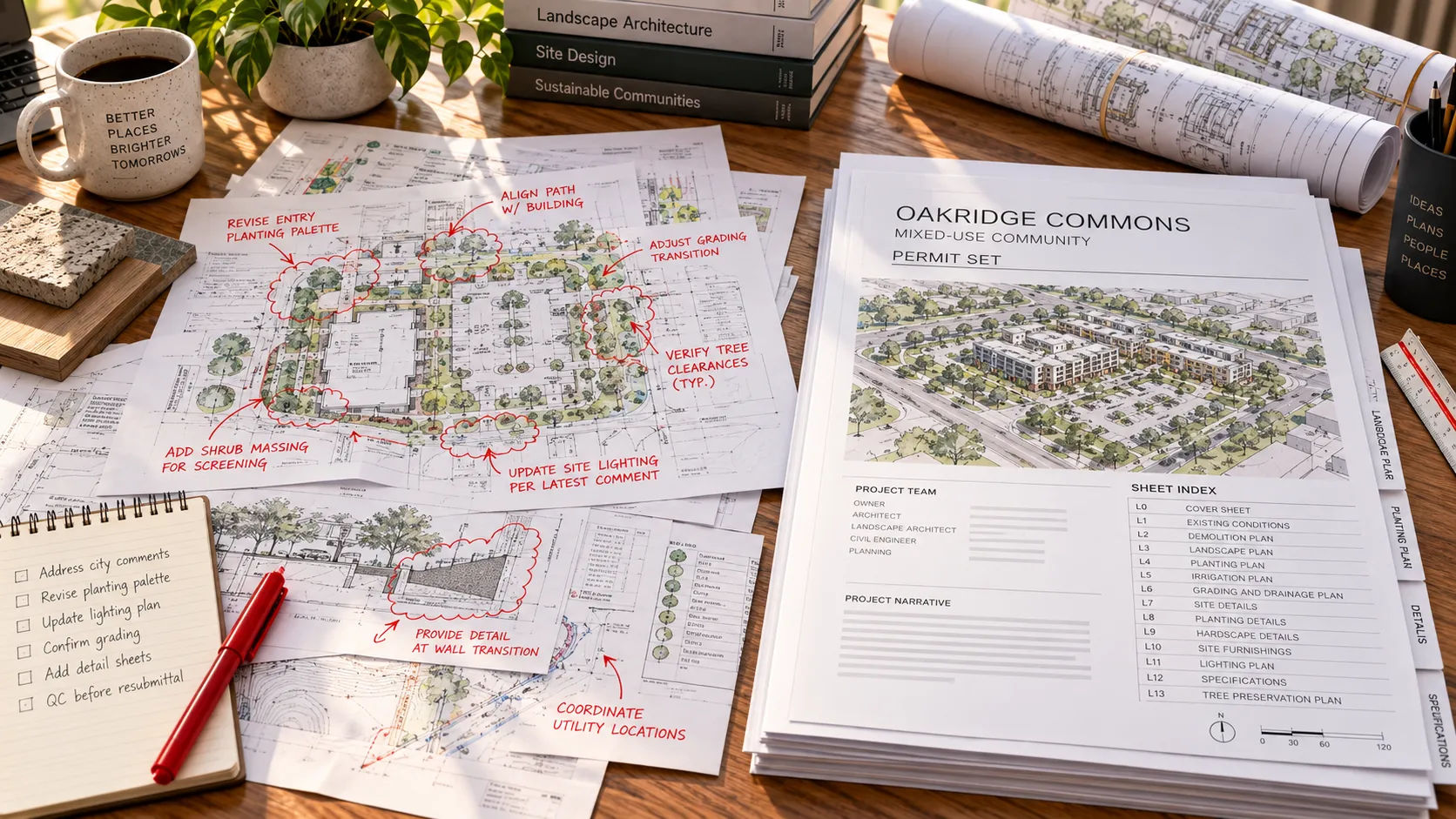
Example (illustrative). This page covers the stages a project moves through between a marked-up drawing set and a permit-ready package. It is a composite built from the process pages and standards covered elsewhere in this series, not a real project. No client name, dates, sheet counts or outcomes here are real data.
Between “here are the redlines” and “here is the permit set” sits a sequence of handoffs. Each one is where something either gets checked or gets missed.
The short answer: a redline-to-permit-ready process typically moves through five stages: intake and standards confirmation, redline interpretation with questions logged, conversion into clean drawings, cross-discipline QA, and permit-package assembly against the jurisdiction’s checklist. What separates a smooth run from a slow one is whether each handoff is checked before the next stage starts.
This page is for principals who want to see the shape of the process before committing a project to it. It walks an illustrative set through five stages, with the check that belongs at each one.
Stage 1: intake and standards
The set arrives with markups, the source documents they reference, and the office’s standards. This is where the week-one handoff checklist does its work: title block, layer standard, naming, and a governing file named. Skyline’s redline conversion page calls this step source control: fixing the approved set, hierarchy, units, layers, naming and revision protocol before anything else happens.
Check at this stage: does every markup trace to a sheet and a source document? A markup with no source, like “fix per RFI 14” with no RFI 14 attached, gets flagged here, not three stages later.
Stage 2: redline interpretation
Markups get read, numbered, and sorted into changes and questions, following the pattern in the redline to CAD guide. The rule that carries the whole process: flag gaps rather than assume. A markup log, matched to the source documents, is the record.
Check at this stage: every question gets a written answer before the change it depends on is made. An unanswered question does not get a guessed answer.
Stage 3: conversion
Verified changes go into the drawings, in the office’s layers, styles and standards. This is where a partner’s process and tools matter: AutoCAD’s Markup Import and Markup Assist can speed entering a decision that has already been made clearly, but it does not make the decision, as covered in the redline to CAD guide.
Check at this stage: does the converted sheet match the markup log line for line, including the ones marked “no change”?
Stage 4: cross-discipline QA
Sheets get checked against each other: doors against the door schedule, structural against architectural, systems against the reflected ceiling plan. Skyline’s construction documents process lists QA/QC and consultant coordination as steps in its own workflow.
Check at this stage: does every cross-reference resolve? A tag with nothing to match it, or two sheets disagreeing about the same wall, gets caught here.
Stage 5: permit-package assembly
The now-clean set is organized against the jurisdiction’s own checklist, following the pattern in permit set drafting: code data, life safety, sheet index, and whatever else the specific department asks for.
Check at this stage: does the package match the checklist item for item, not just look complete? Missing a single required item, as the real jurisdiction checklists in that article show, can mean the whole submission is treated as incomplete.
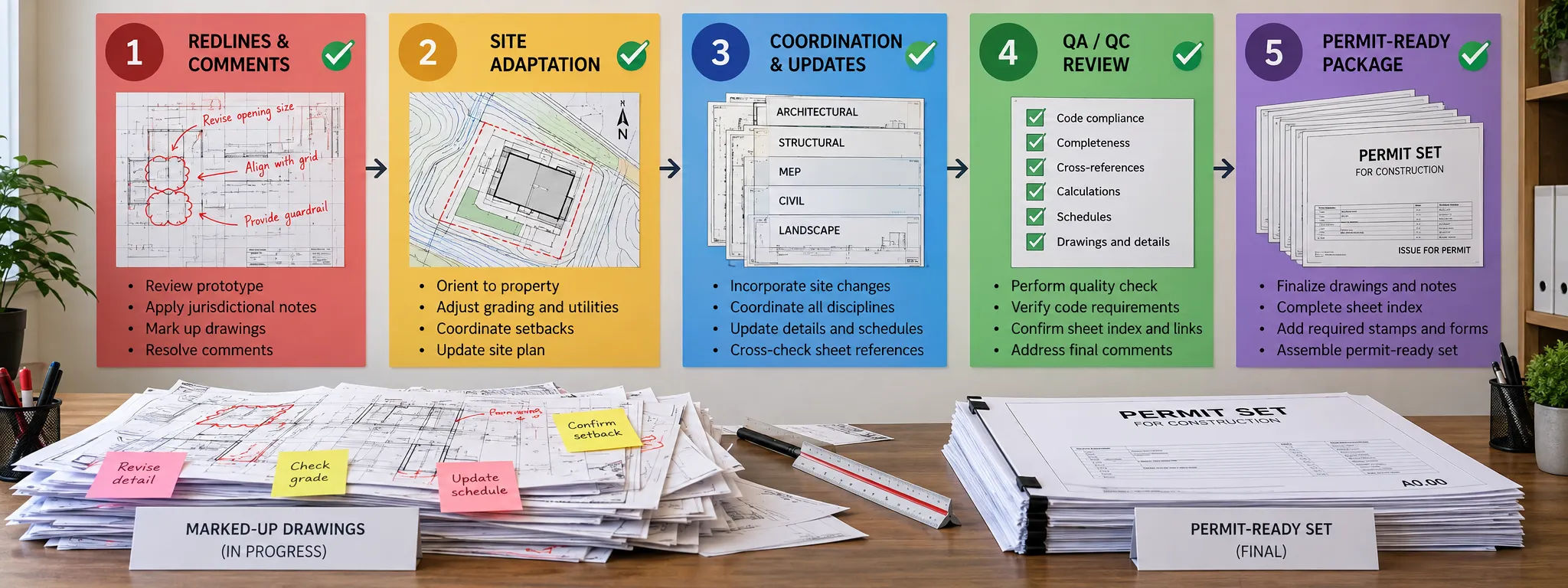
What does this look like end to end?
Example (illustrative). The stage-by-stage table below shows the pattern, not a timed project.
| Stage | Input | Output | Who is involved |
|---|---|---|---|
| 1. Intake and standards | Markups, sources, office standards | Confirmed governing file and standards | Drafting partner, confirmed by the office |
| 2. Redline interpretation | Markups | A markup log: changes and questions, numbered | Drafting partner; questions answered by the architect or engineer |
| 3. Conversion | Verified changes | Updated drawings in the office’s standards | Drafting partner |
| 4. Cross-discipline QA | Updated drawings | A consistent, cross-checked set | Drafting partner, reviewed by the office |
| 5. Permit-package assembly | Cross-checked set | A package matched to the jurisdiction’s checklist | Drafting partner; code determinations and submission by the architect of record |
Design decisions, code interpretation, and the seal stay with the architect or engineer of record at every stage. The drafting partner’s job is the production and the checks in between, not the calls that require a license.
What goes wrong when a stage gets skipped?
Skipping stage 1. Markups converted without confirmed standards get converted twice: once wrong, once right.
Skipping stage 2’s questions. A guessed answer to an unclear markup is cheaper today and more expensive at review, or worse, after construction starts.Skipping stage 2’s questions. A guessed answer to an unclear markup is cheaper today and more expensive at review, or worse, after construction starts.
Skipping stage 4. A set can be internally consistent within one discipline and still disagree with another. Cross-discipline QA is the stage that catches that.
Skipping stage 5’s checklist check. A jurisdiction’s checklist is specific, and the three read for permit set drafting differ from each other. Matching a generic idea of “complete” instead of the actual list is a common way a submission bounces.
Walk your own set through this process
If you would like to see how your own drawing set moves through these five stages, you can request a scope review: send one marked-up set, your standards and a note on what you would keep in your own office. Skyline runs the intake, interpretation, conversion, QA and permit-package assembly steps, while design decisions and seals stay with your licensed team.
Sources
- Skyline Design Group: as-builts and redline conversions, construction documents and permit-ready packaging. Checked 2026-09-21.
- This article draws on the process and standards material and sources already gathered for redline to CAD (article 9), permit set drafting (article 10) and the week-one handoff checklist (article 8); see those articles’ own sources registers for the underlying citations (Autodesk Markup Import and Markup Assist help, the Bend/Indiana/Morgan Hill permit checklists, and the NCS standard).