LOD 100 to 500, Explained: What Level of Development to Request at Each Project Stage
“Send us the LOD 300 model” sounds like a precise request. It isn’t, not on its own. BIMForum’s own Level of Development Specification is explicit that it does not prescribe what LOD a project should reach at what stage — it leaves that decision to the project team, element by element. A model isn’t one LOD; it’s a mixture of elements, each at whatever LOD the contract or BIM execution plan actually specified for it.
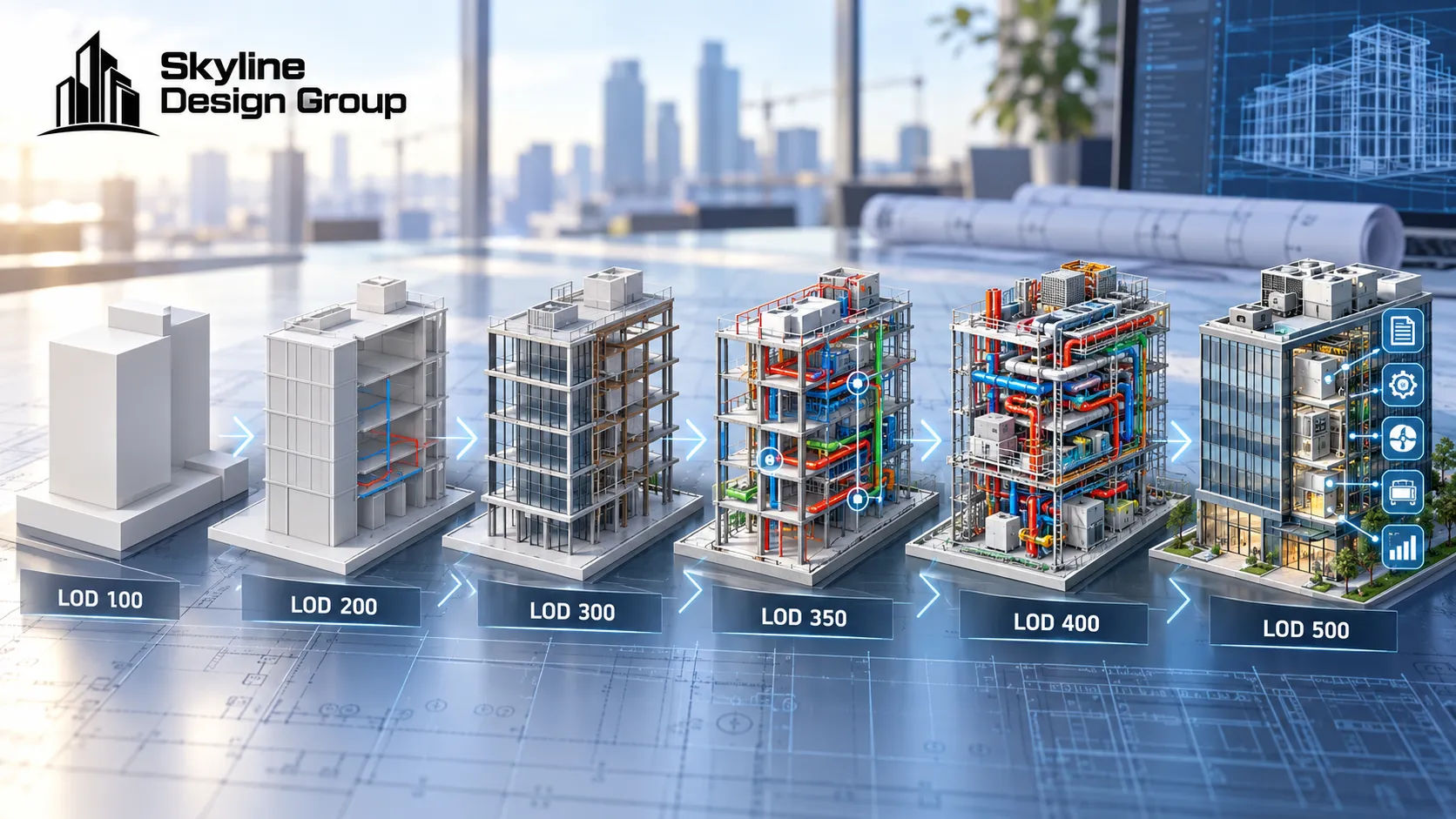
LOD 100 through 500 describe how reliable a model element’s geometry and information are, from conceptual (100) to field-verified as-built (500). There’s no single “LOD” for a whole model — different elements sit at different levels at once. What to request depends on the project stage: design intent, coordination, or fabrication.
Who this is for
Project architects and GC project executives who keep hearing “LOD” thrown around in contracts and BIM execution plans and want a working definition of what each level actually promises — and what to ask for instead of just naming a number.
What do LOD 100 through 500 actually mean?
The definitions below follow the general framework used across BIMForum’s LOD Specification and common industry explainers:
| LOD | Common name | What it represents |
|---|---|---|
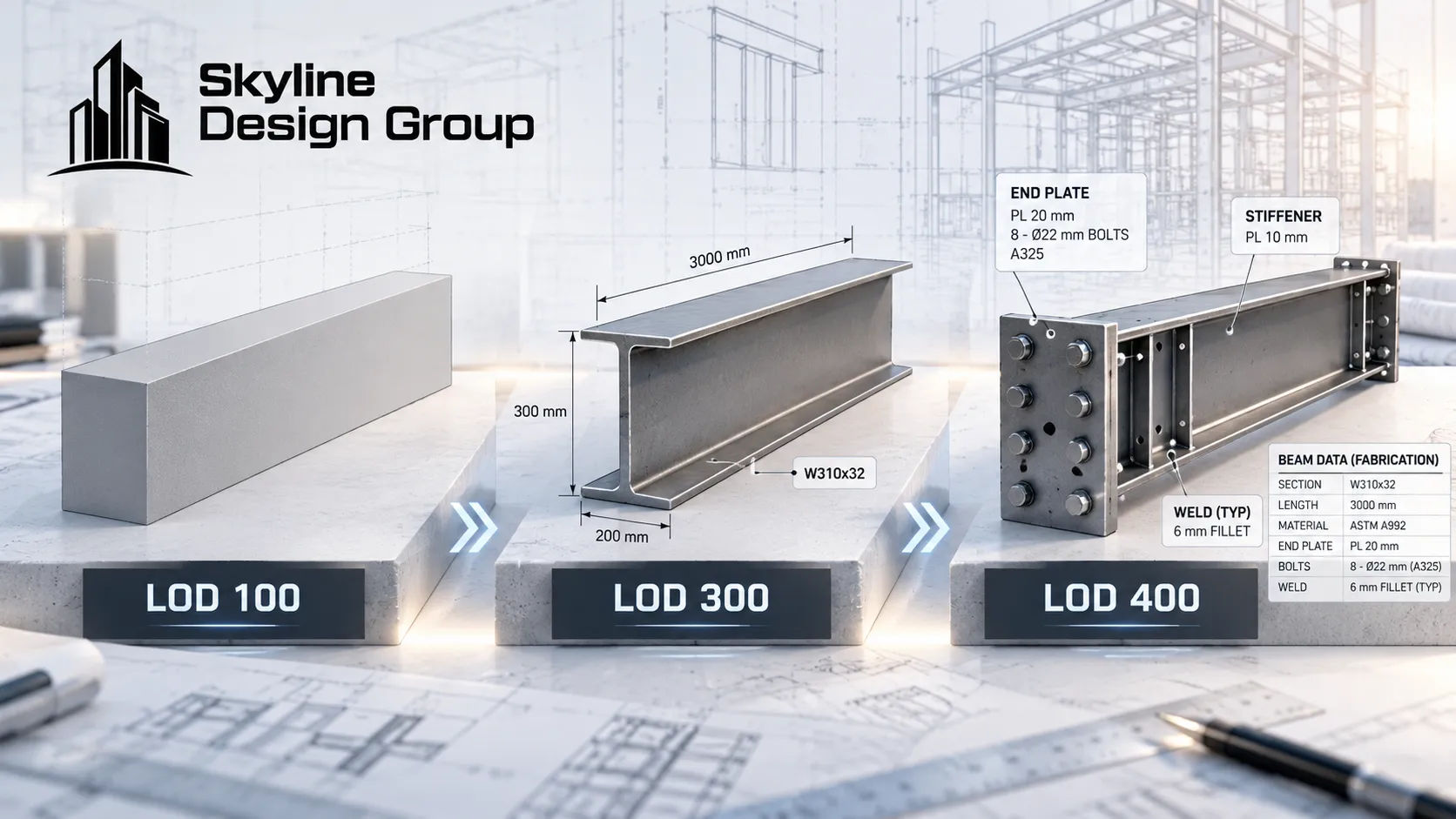
| 100 | Conceptual | A symbol or mass showing that an element exists, with no real geometry yet |
| 200 | Approximate geometry | A generic object with approximate size, shape, location and orientation |
| 300 | Precise geometry | Exact dimensions, shape and location — specific, not generic |
| 350 | Coordination-ready | LOD 300 geometry plus interfaces with other building systems |
| 400 | Fabrication-ready | Detailing, assembly and installation information needed to build the element |
| 500 | As-built / operational | Field-verified, matching what was actually built, for facility management use |
Why isn’t there just one LOD for the whole project?
Because the model doesn’t move through LOD stages as a single object — individual elements do, and they don’t all move at the same pace. A structural engineer writing in a professional engineering trade publication put it directly: there is no LOD of an entire model, since the model is a mixture of different elements at different LODs, and vague scoping around that fact is what leads to scope creep and, in his framing, lost profit for whoever absorbs the gap.
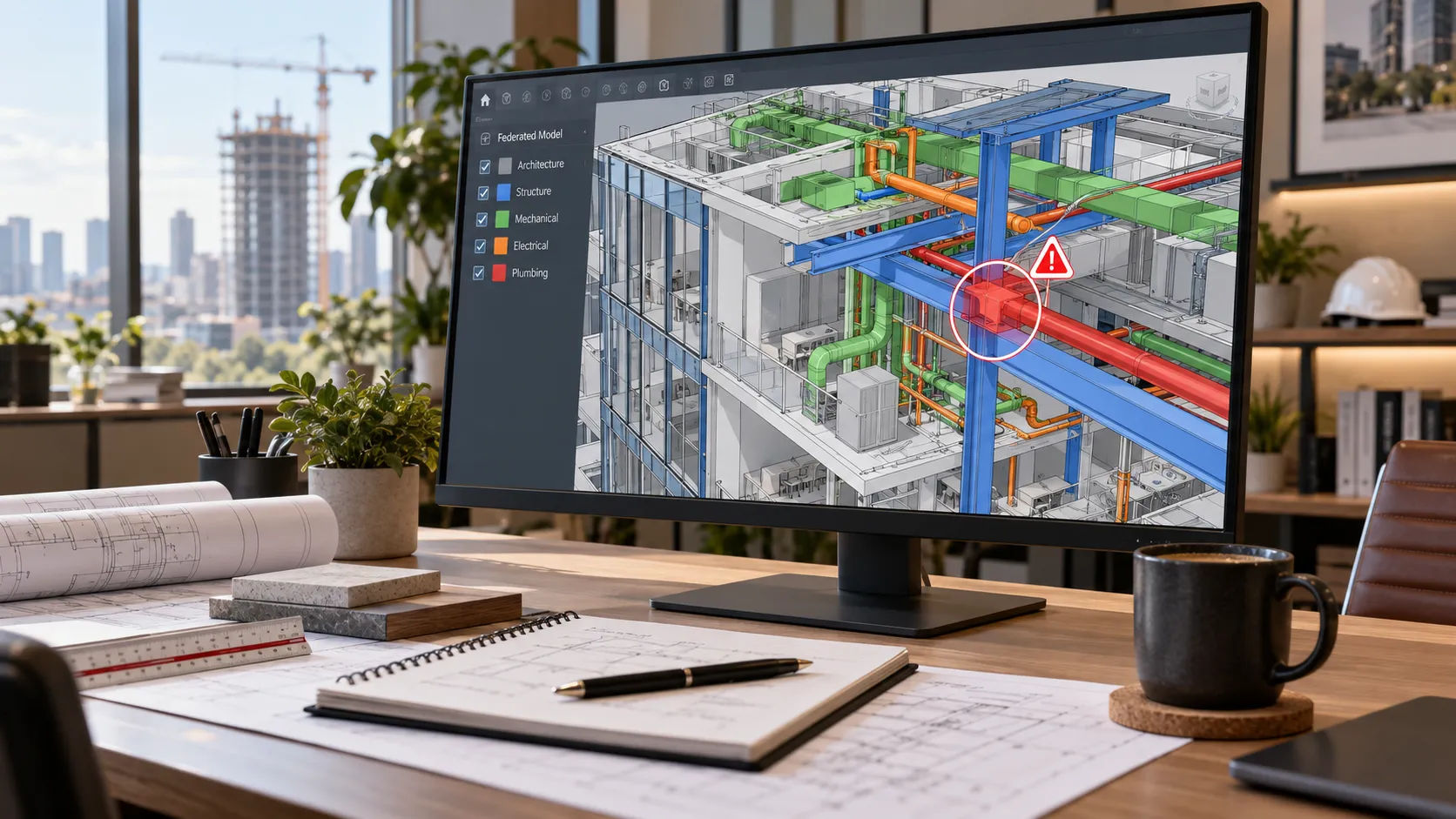
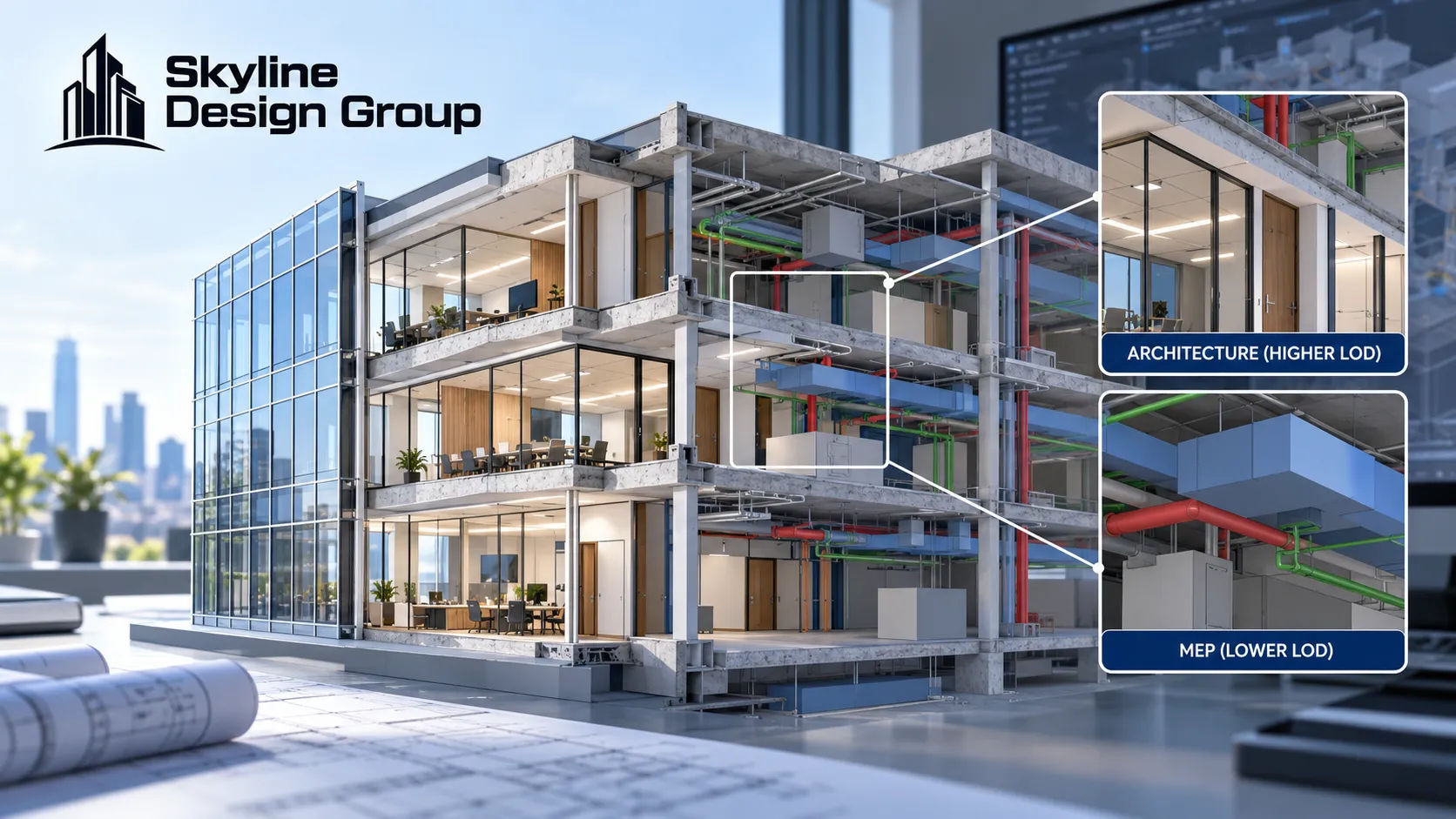
In practice that means a coordination set can have architectural walls at LOD 300, structural framing at LOD 350, and rough-in MEP still sitting at LOD 200 — generic placement, not yet coordinated against the structure above it. Reviewing that MEP at face value as “done” because the rest of the set is further along is exactly the kind of mismatch that surfaces as a clash later rather than during coordination review.
What LOD should you actually request at each project stage?
A rough mapping that holds for most vertical building projects, element type and contract permitting:
- Schematic design — LOD 100 is usually enough. You’re testing massing and program fit, not geometry.
- Design development — LOD 200 on most systems. Approximate size and location, enough to coordinate major systems at a block level.
- Construction documents — LOD 300 on elements that need permit-level precision. Exact dimensions and position.
- Cross-trade coordination meetings — LOD 350 on anything that touches another system. This is the level that actually catches clashes, because it’s the first one that includes interfaces.
- Fabrication and shop drawings — LOD 400 on whatever’s about to be built or shopped out, whether that’s steel connections, precast panels or MEP spool pieces.
- Closeout and facility management handoff — LOD 500, field-verified against what’s actually in the building.
The structural engineer’s point above is the caveat that matters here: these are stage defaults, not guarantees. If the contract or BIM execution plan doesn’t say which elements need to hit which LOD by which milestone, “LOD 300 by DD” can quietly mean six different things depending on who modeled it.
What happens when LOD isn’t specified in the contract?
The AIA’s own E203 BIM contract exhibit exists largely to prevent this problem — it’s built to specify intended level of development before a project starts, rather than leaving it to be inferred from the drawings once they show up. Projects that skip this step tend to find out the hard way: a GC assumes a received model is coordination-ready at LOD 350 and starts clash detection on it, only to find the MEP elements were never taken past LOD 200, which produces either a flood of false-positive clashes or, worse, a false sense that coordination is further along than it is.
Where this fits into a production partner’s scope
If your contract or BIM execution plan doesn’t specify LOD by element and milestone, Request a Scope Review — send what you have today and get back a specific recommendation on what LOD each major system needs at your next milestone.
For how 3D modeling scope is typically structured, see what is 3D architectural modeling. For why early structural modeling depends on getting the base-model LOD right, see structural 3D modeling before design development. For how this plays out on entitlement-stage massing models specifically, see 3D massing models for entitlement.