A converted model is worth exactly what you do with it afterward.
So the first question is not what conversion costs. It is what the model is for. If nobody can answer that, the cheapest conversion is the one you skip.
The short answer: AutoCAD to Revit conversion pays off when the model will be reused: renovations, 3D coordination, repeated building types, or a contract that requires BIM. It does not pay off for a finished set nobody will touch again. Decide by the model’s next use, the accuracy of the source drawings and the level of detail required.
This page is for principals weighing a conversion for their own project or a client’s. It sorts out what conversion really is, when it earns its cost, seven cases where it does not, and five questions to answer before anyone starts modeling.
What is AutoCAD to Revit conversion?
It is remodeling. Not saving a DWG as an RVT.
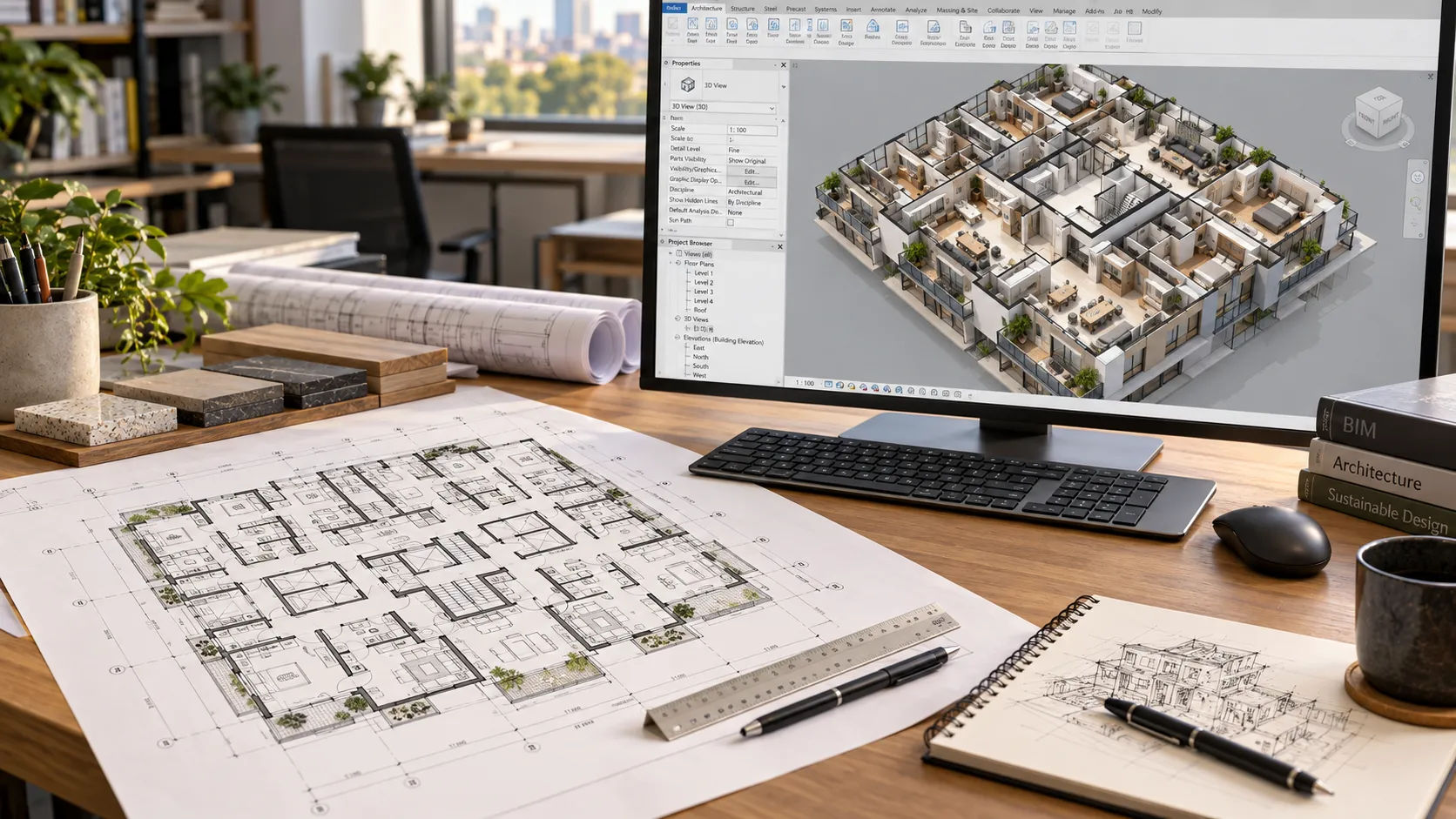
BluEnt Engineering, a vendor, describes the work this way: 2D information is interpreted and modeled as intelligent 3D building elements such as walls, doors, windows, floors and structure. Arrival 3D, another vendor, describes a four-step workflow: file review and scope, 3D construction in Revit, data enrichment to a target level of development, and validation and handoff.
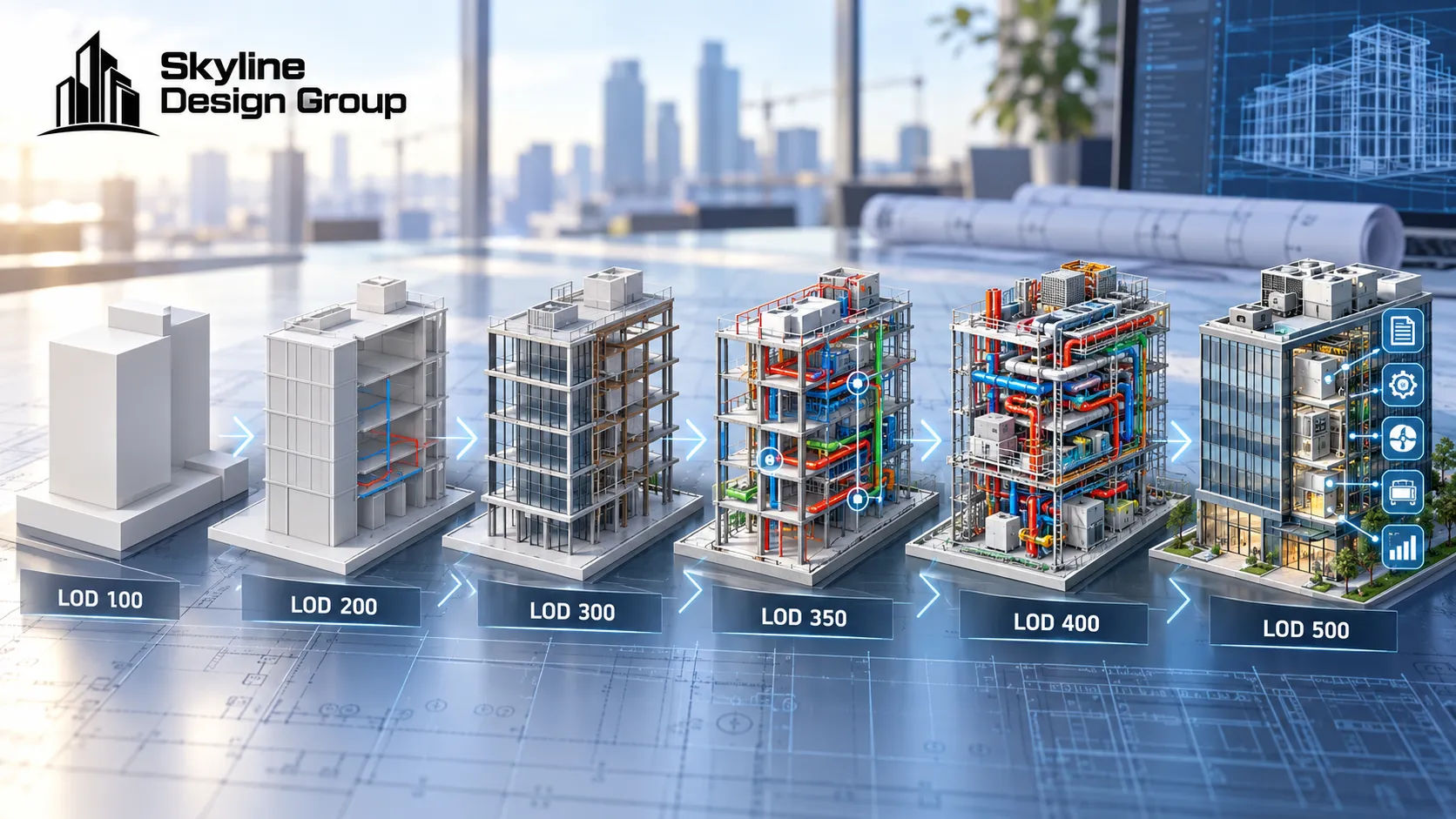
Skyline’s 3D architectural and structural modeling page lists “2D Drawings to Intelligent 3D Models” among its services. It accepts CAD drawings, PDFs, sketches, marked-up plans, specifications, reference images, point-cloud information and existing Revit models, and supports LOD 200, 300, 350 and selected LOD 400 workflows. Deliverables include native Revit files, schedules, coordinated views and exports such as IFC, NWC, DWG and PDF.
There is a lighter option that is not conversion at all: linking the DWG into a Revit project as a background. Autodesk’s help says linking is preferred over importing in most cases. That gives you a reference, not a model. See Revit or AutoCAD for outsourced drafting for when that is enough.
When does conversion pay off?
When the model has a next use. The clear ones:
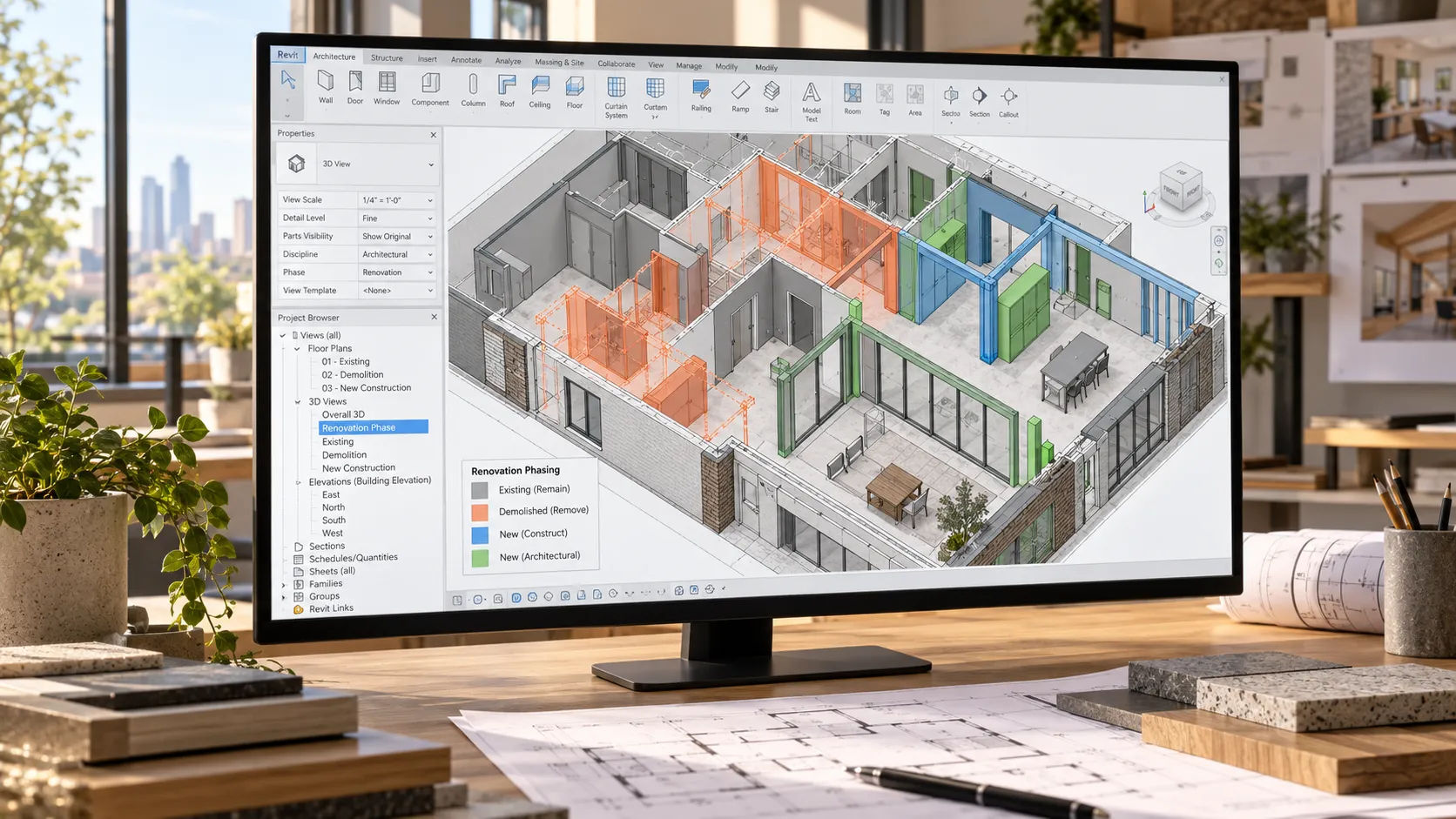
- You will keep working on the building. Renovation, additions, phased work, or an owner who will come back. A model you built once can be edited many times, and Autodesk says drawings derived from a Revit model update across views when the model changes.
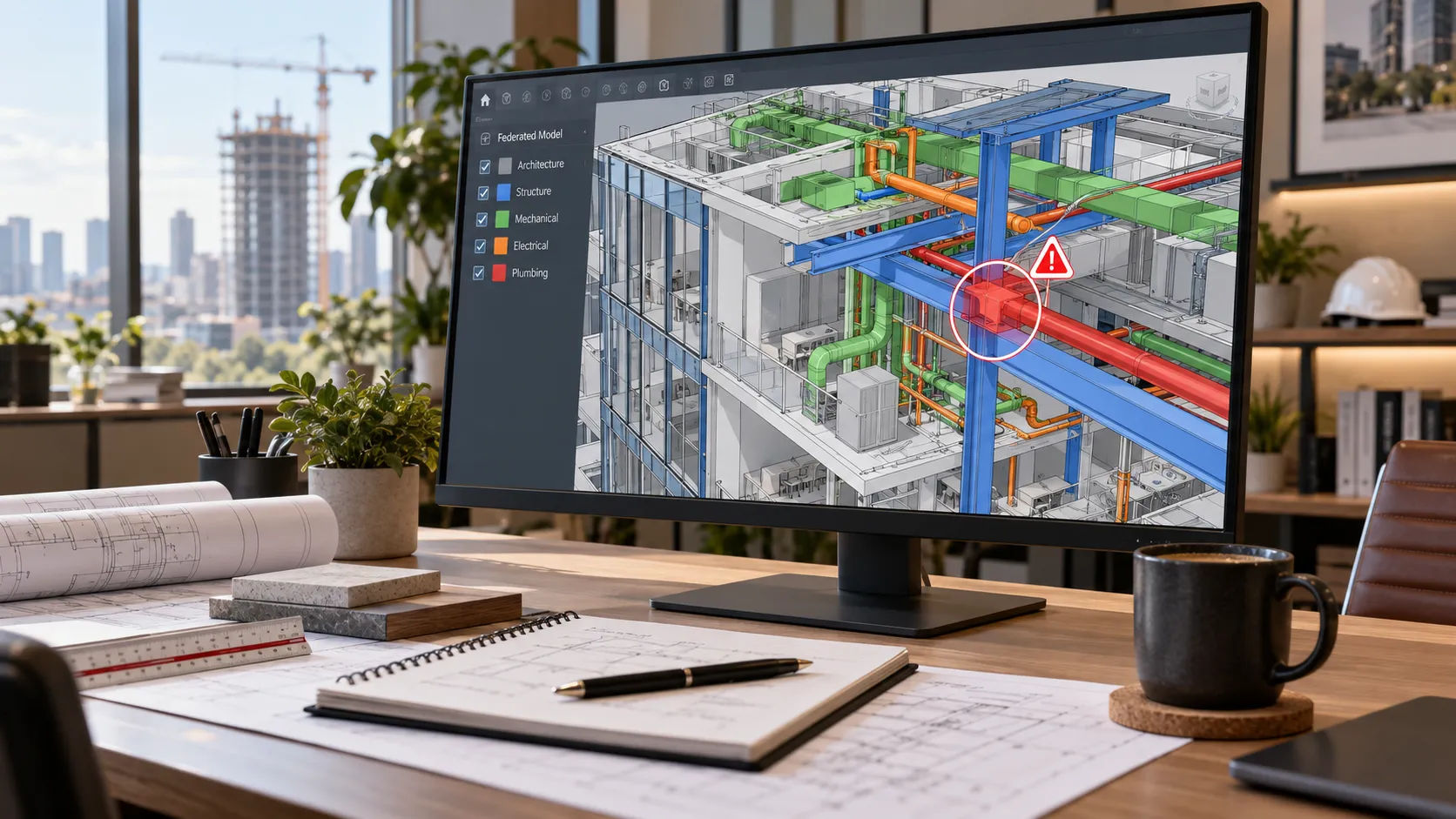
- Consultants coordinate in 3D. If the structural and MEP teams model, an architectural model is the other half of the federation. See BIM coordination services for general contractors.
- The building type repeats. A prototype modeled once can be adapted for several sites.
- A contract or owner requires a model. In that case the level of development has to be written in the contract or the BIM execution plan. The BIMForum 2025 LOD Specification says owners and their stakeholders set it, not the specification.
- You need to see the building. Reviews, approvals and marketing sometimes need a 3D view. Ask whether a lighter model will do.
If none of these fits, keep reading.
When should you not convert?
These are general practice, not a rule, and each has an exception. But if one of them describes your project, pause.
| Case | Why converting does not pay | Do this instead |
|---|---|---|
| The set is finished, issued and will not change | The model is never used | Keep the DWG set as the record |
| The source drawings are old or unverified | The model inherits every error, neatly | Field-verify or scan first, then decide |
| A small revision or one resubmittal | Conversion costs more than the change | Make the change in the DWG |
| The deadline is close and the set is mid-stream | Two sources of truth appear at the worst time | Finish in CAD; convert after issue if needed |
| No one will maintain a model | It goes stale after the first change | Keep to CAD until you have a maintainer |
| The contract, consultants and owner all work in 2D | No one downstream benefits | Stay in 2D |
| You only need a picture | A full BIM is more than the task needs | Ask for a lighter 3D view |
The second row deserves more space. BluEnt notes that existing DWG files may be outdated, inaccurate or incomplete, and that renovations and undocumented changes create gaps between the drawings and the building. A conversion faithfully reproduces whatever is in the drawings. That includes the mistakes.
Accuracy and detail are also different things. The U.S. Institute of Building Documentation’s Level of Accuracy specification (version 3.1, released January 2025) deals with how precisely existing conditions are measured, separately from level of development. A model can be detailed and wrong. If the building matters more than the drawings, measure the building.
What drives the effort?
BluEnt lists building size, required level of detail, number of disciplines, drawing quality, MEP density and site accessibility. That matches common sense. Two of them are the ones you control.
Level of development. The BIMForum specification describes LOD 300 as elements modeled specifically within project tolerances, LOD 350 as LOD 300 plus the interfacing features needed for coordination with adjacent systems, and LOD 500 as as-built elements in their existing condition. Each step up is more modeling.
Source quality. Clean, current, consistent drawings convert faster than a mix of scanned PDFs and old markups. Vendors say they can convert scanned PDFs and sketches, but the result is only as good as what they start with. Arrival 3D says its output is constrained by source quality and offers scanning to fill gaps.
Is a partial conversion an option?
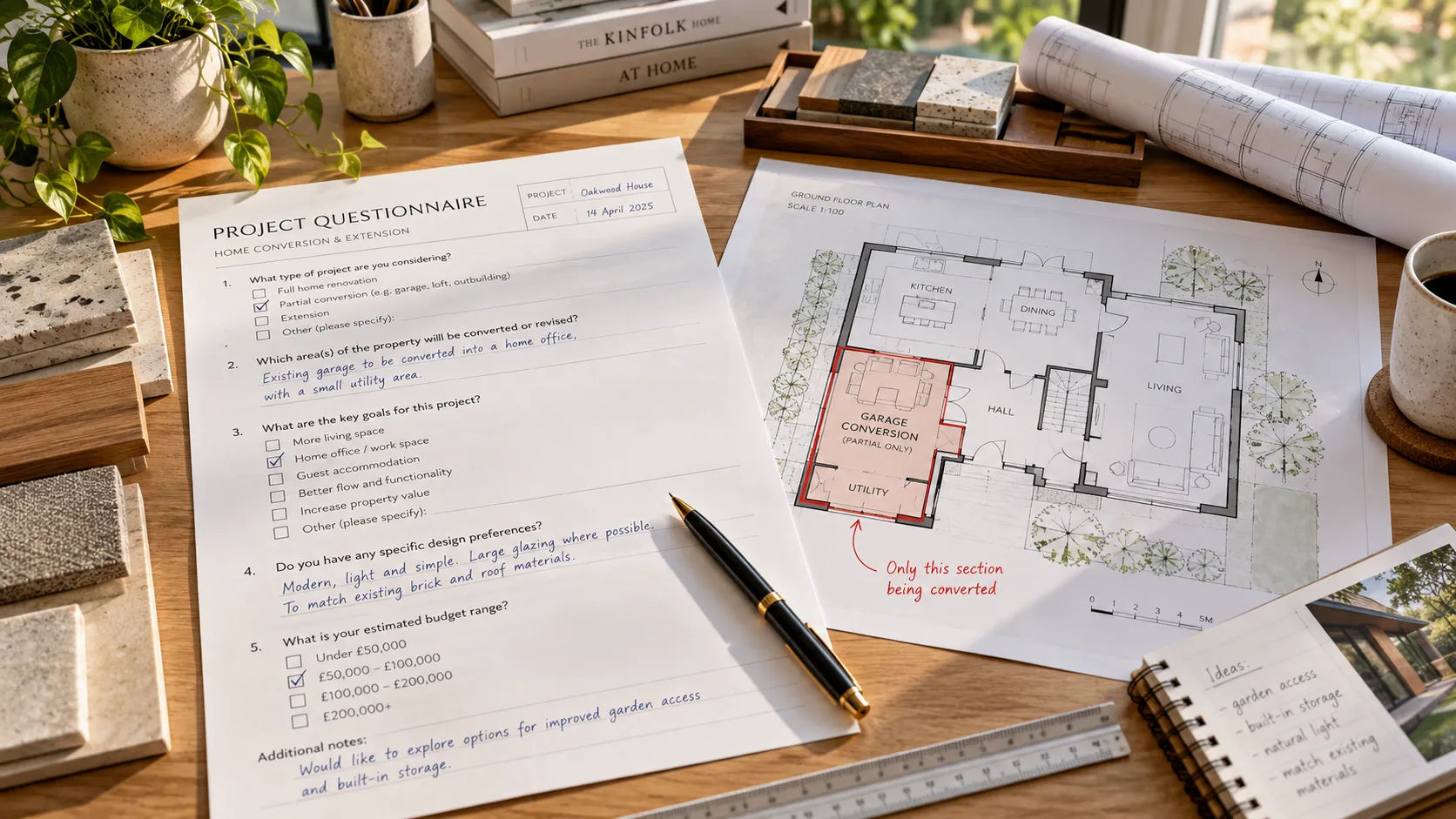
Often. Model only what will be reused and link the rest. BluEnt suggests a hybrid: use CAD where the drawings are reliable and scan the critical zones. A pilot on one floor also tells you how clean the source is before you commit to the whole building.
Whichever way you go, decide the governing file up front. The week-one handoff checklist covers the standards the partner needs for a Revit model.
What can go wrong with a conversion?
Two sources of truth. The DWG set and the model diverge as soon as anyone edits either. Name one that governs.
The wrong LOD. A model built for permit drawings will not serve coordination. Say what it is for.
Sheets that no longer match your standards. Once sheets are generated from a model, the title blocks, tags and annotation have to be rebuilt in Revit to your standards.
Exploded imports. Autodesk says exploding an import to edit its geometry can affect model performance. If the DWG is only a reference, link it.
Scope creep. “While we’re at it” is how a floor plan model becomes a full building model. Write the boundaries down.
Design decisions, code review, engineering decisions and seals stay with the project’s licensed architects and engineers, and Skyline’s page says the same.
Talk through the conversion before you commit
If you are not sure whether a conversion pays, you can request a scope review: send one drawing set, your standards and a note on what you would keep in your own office. Skyline builds Revit models from CAD drawings, PDFs and marked-up plans to your standards, and leaves design decisions, code determinations and seals with your licensed team. For the wider question of what to send out at all, see the outsourcing guide.
Sources
- CAD to BIM vs Scan to BIM, BluEnt Engineering (August 18, 2026; a vendor)
- CAD to BIM Conversion, Arrival 3D (a vendor)
- BIMForum 2025 LOD Specification, BIMForum (released December 31, 2025)
- Level of Accuracy (LOA) Specification, U.S. Institute of Building Documentation (version 3.1); release notice, LIDAR Magazine (January 2025)
- About Importing or Linking CAD Files, Autodesk Revit help (2026), and BIM vs. CAD with Revit and AutoCAD, Autodesk
- Skyline Design Group: 3D architectural and structural modeling. Checked 2026-09-21.