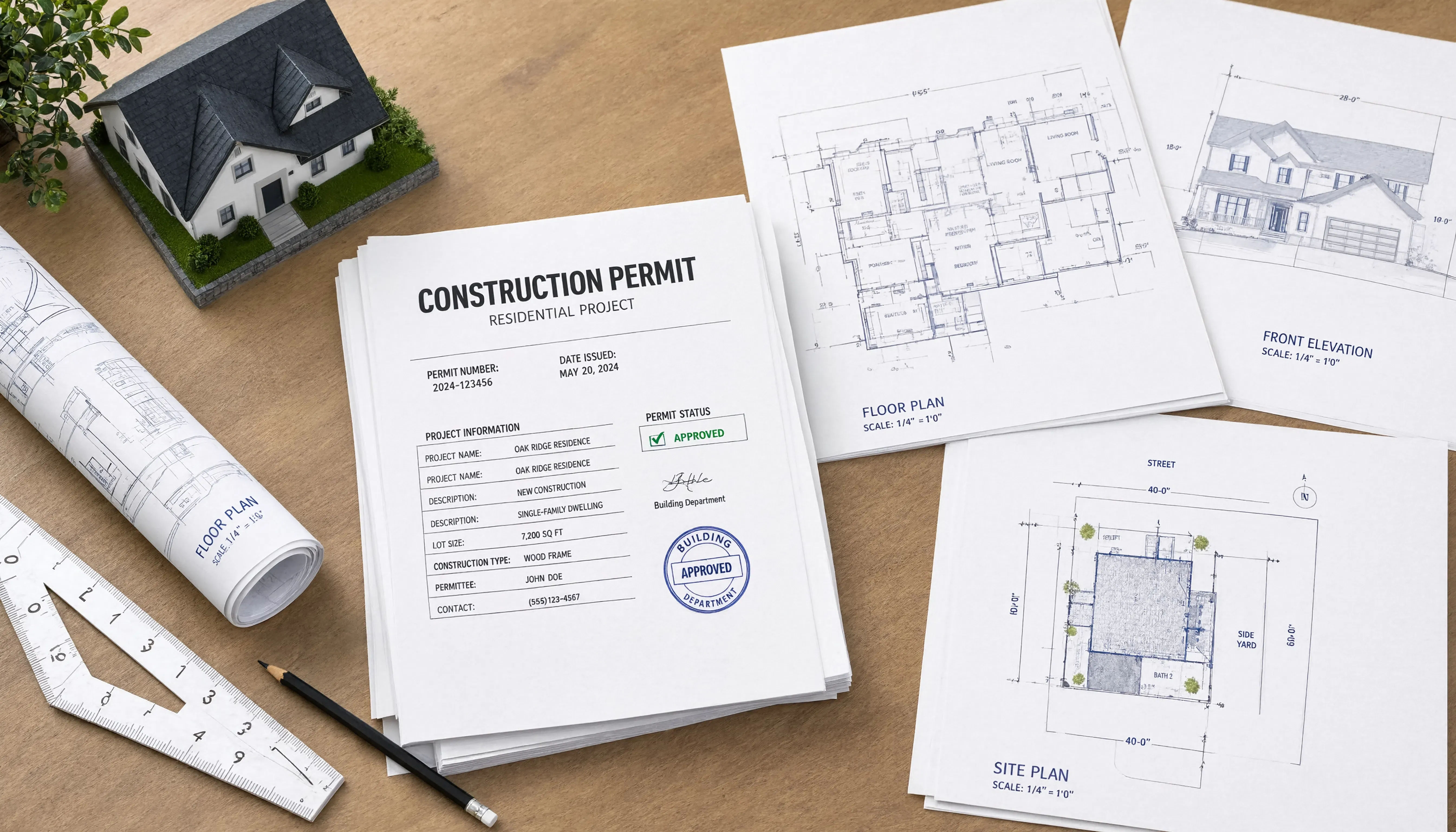
Most buildings don’t have a trustworthy record set. A facilities-engineering review of as-built markup practices put it plainly: record drawings that actually exist “vary widely in levels of quality, completeness, and reliability,” and many show only a handful of changes, leaving anyone looking at them unable to tell whether those are the only changes that happened or just the only ones someone bothered to mark. That is the real problem a GC project executive is trying to solve when redline markups get handed off for conversion: not just turning paper into CAD, but turning something of uncertain reliability into something a future reader can actually trust.
A redline-to-record-set conversion earns trust when markups were made consistently throughout construction, verified against as-installed conditions before areas were concealed, cross-referenced to change documents, and reviewed by someone who checked for completeness, not just legibility, before the final set was produced.
Who this is for
This is for GC project executives handing off a set of field redlines and wanting the resulting record set to actually hold up when an owner, future contractor, or inspector relies on it later, rather than just wanting the markups turned into clean lines.
Why most record sets fail the trust test before conversion even starts
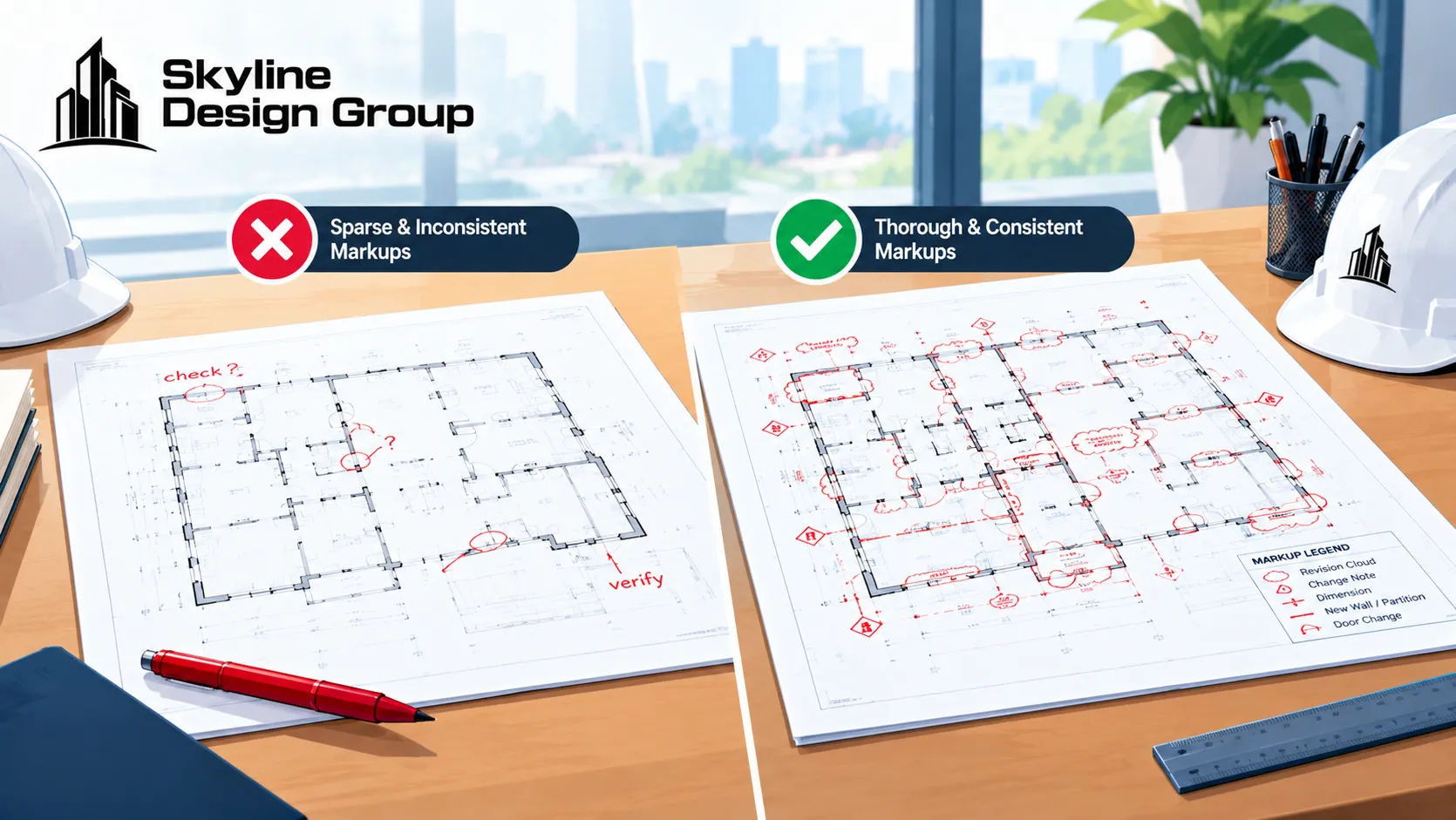
A widely cited trade-press review of as-built practices found several recurring failure patterns that have nothing to do with drafting quality and everything to do with what happened in the field before the drawings reached a drafter at all: markups that miss installations differing from the original design, omitted change-order or change-directive numbers that would let someone trace why a change happened, and schematic or omitted information in the original drawings that never gets marked at all because nobody thought to add it. A conversion team can produce a beautifully drafted record set from redlines like that, and it will still be untrustworthy, because the underlying field record was incomplete before anyone touched a drafting tool.
What a trustworthy chain actually looks like

The same review describes what separates a usable record from an unusable one: markups made on a site set by someone skilled at the graphic work involved, with the architect or engineer reviewing drafting quality early rather than only at the end; a separate color convention for each category of work, so a reader can tell what kind of change they’re looking at without cross-referencing a legend every time; and, critically, verification against as-installed conditions before components are concealed, not after. A markup made from memory after drywall goes up is a guess with a pen; a markup made while the condition is still visible is a record. One formal institutional standard for record drawings puts the responsibility explicitly on the design professional to verify the accuracy of the contractor’s redlined as-builts before the record set is finalized, a separate, deliberate check rather than an assumption that the field markups were correct.
What the conversion step should preserve, not introduce
A conversion team’s job is to carry the field record’s trustworthiness through into the finished drawing, not to manufacture trust that wasn’t there in the field. That means cross-referencing each marked change to its change-order or change-directive number where one exists, flagging rather than guessing at any markup that’s ambiguous or incomplete, and keeping the digital record drawing’s content matched exactly to the hard-copy markup it came from, since a mismatch between the two is one of the specific failure modes an institutional record-drawing standard calls out directly. A label stating clearly that a sheet is a record drawing, not a design drawing, with the submission date current, is a small detail that matters more than it looks, because anyone encountering the drawing years later needs to know immediately what kind of document they’re holding.
| Trust factor | What to check before accepting the record set |
|---|---|
| Field markup completeness | Were changes marked as they happened, not reconstructed from memory later? |
| Change-order cross-reference | Does each marked change tie back to a change order or directive number? |
| Verification before concealment | Was the as-installed condition checked while still visible, before it was covered? |
| Digital/hard-copy match | Does the converted drawing match the original markup exactly, with no silent corrections? |
| Record drawing labeling | Is the sheet clearly labeled as a record drawing, with a current submission date? |
This conversion trust question connects directly to the broader test for when a project needs a new as-built survey versus existing drawings, and the specific documentation a tenant improvement project needs is covered separately in what a TI permit actually requires you to verify.
If you have a set of field redlines you need converted into a record set someone can actually rely on later, send us a scope: the markups, your change-order log if you have one, and a note on how the field verification was done, and we’ll tell you plainly what’s ready to convert and what needs a closer look first.