What Is MEP Modeling and Coordination, and What Does a Production Partner Actually Deliver?
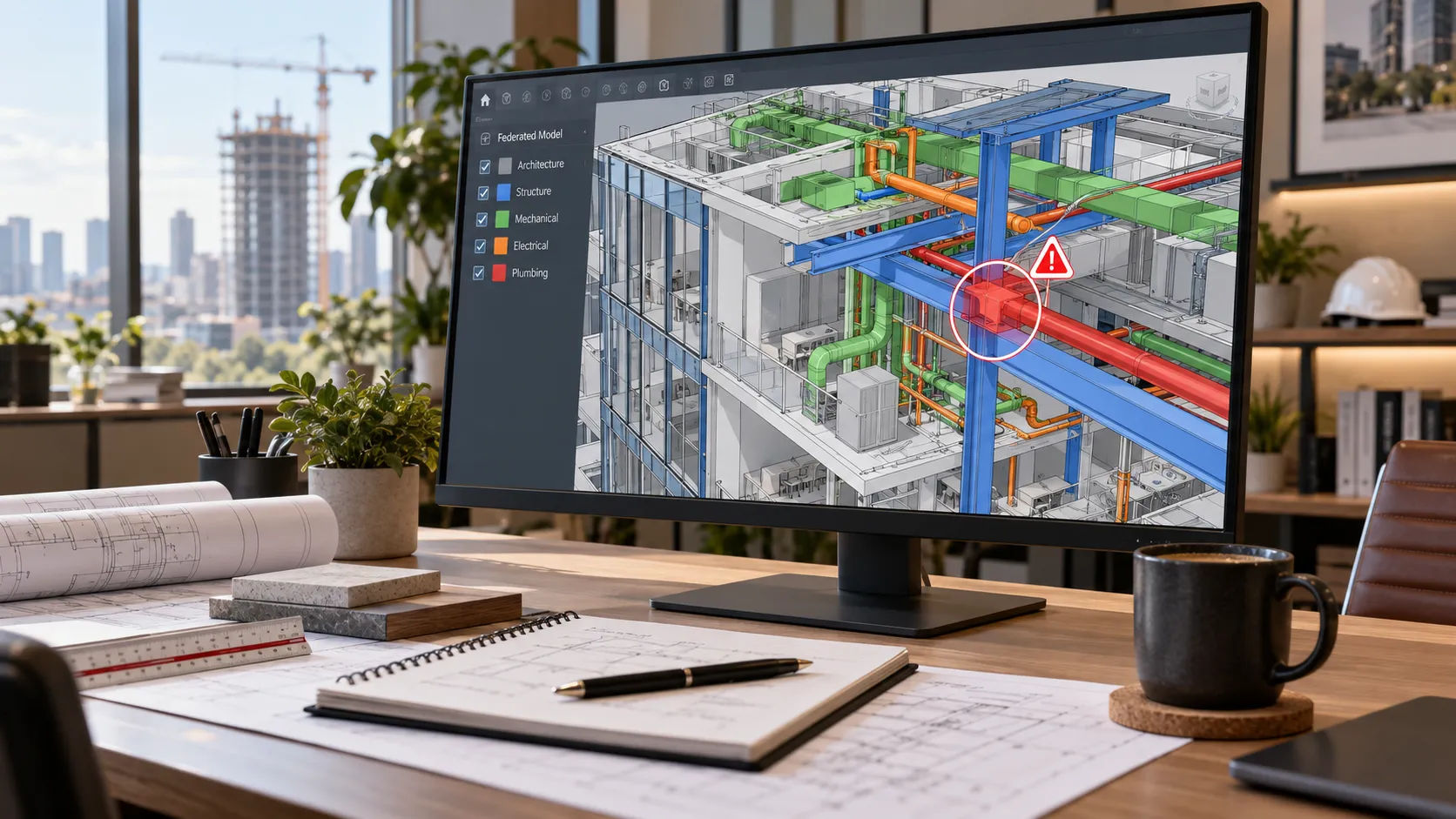
A VDC manager opens the federated model two weeks before rough-in and finds a sanitary branch cutting straight through a beam everyone assumed was clear. Nobody built that clash on purpose. Three separate trade models were produced by three separate teams, on three separate timelines, and nobody checked them together until it was almost too late.
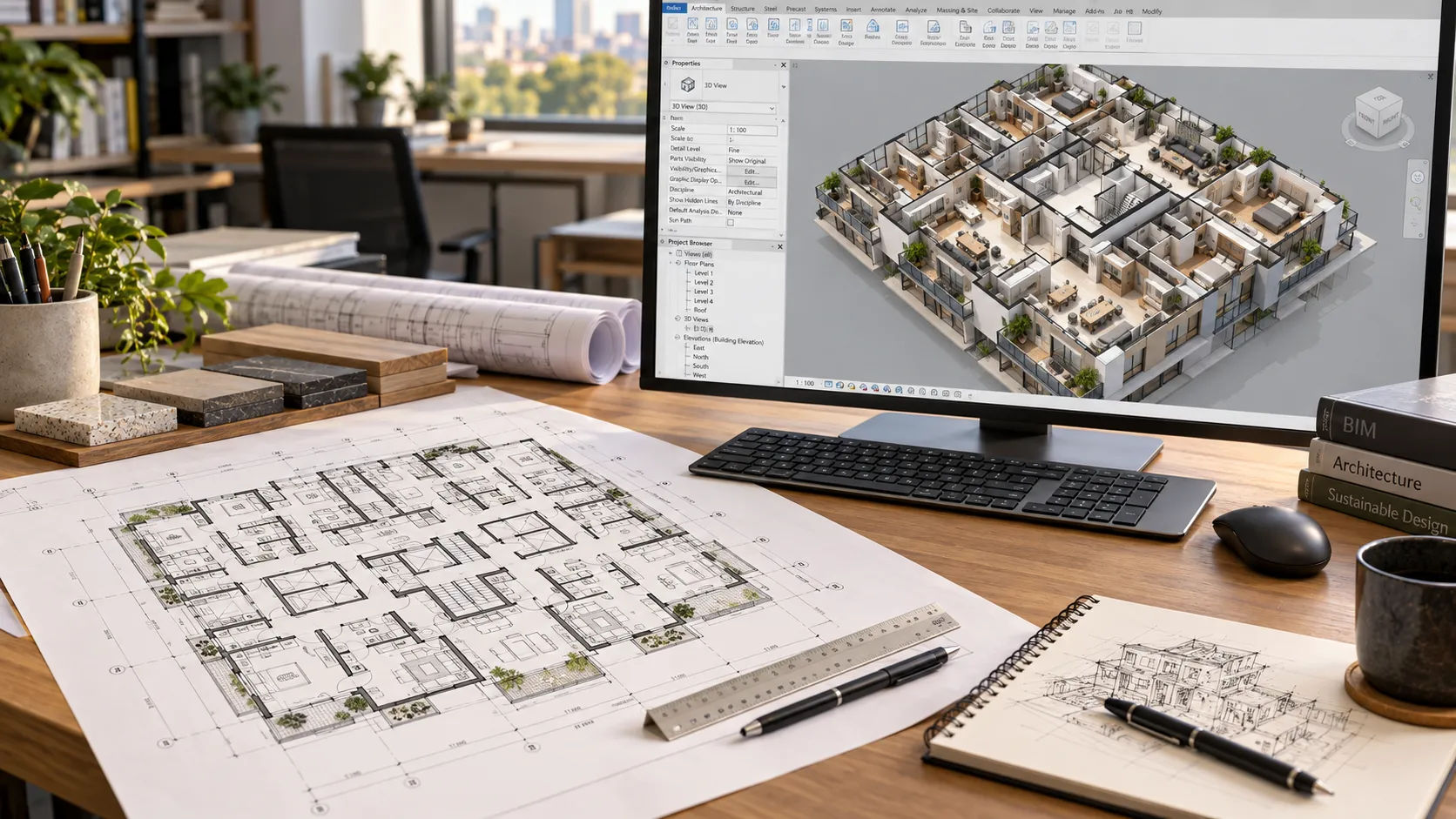
That is the problem MEP modeling and coordination solves. It is not a drafting task bolted onto the mechanical, electrical and plumbing design. It is the separate, deliberate step of building each trade’s model to a consistent level of detail, combining them into one federated model, and finding the conflicts before a crew finds them in the field.
MEP modeling and coordination means building mechanical, electrical and plumbing systems in 3 text-centerD, combining the trade models into one federated model, and running clash detection before construction. A production partner builds and updates the models and runs the clash review. The engineer of record still designs the systems, sizes equipment and signs the calculations.
Who this is for
General contractors coordinating multiple trade subcontractors on a multifamily, commercial or mixed-use project, and the VDC managers who own the federated model. If your trades are still handing off 2D plans and resolving conflicts on site, this is the step you are missing.
What does “MEP modeling and coordination” actually mean?
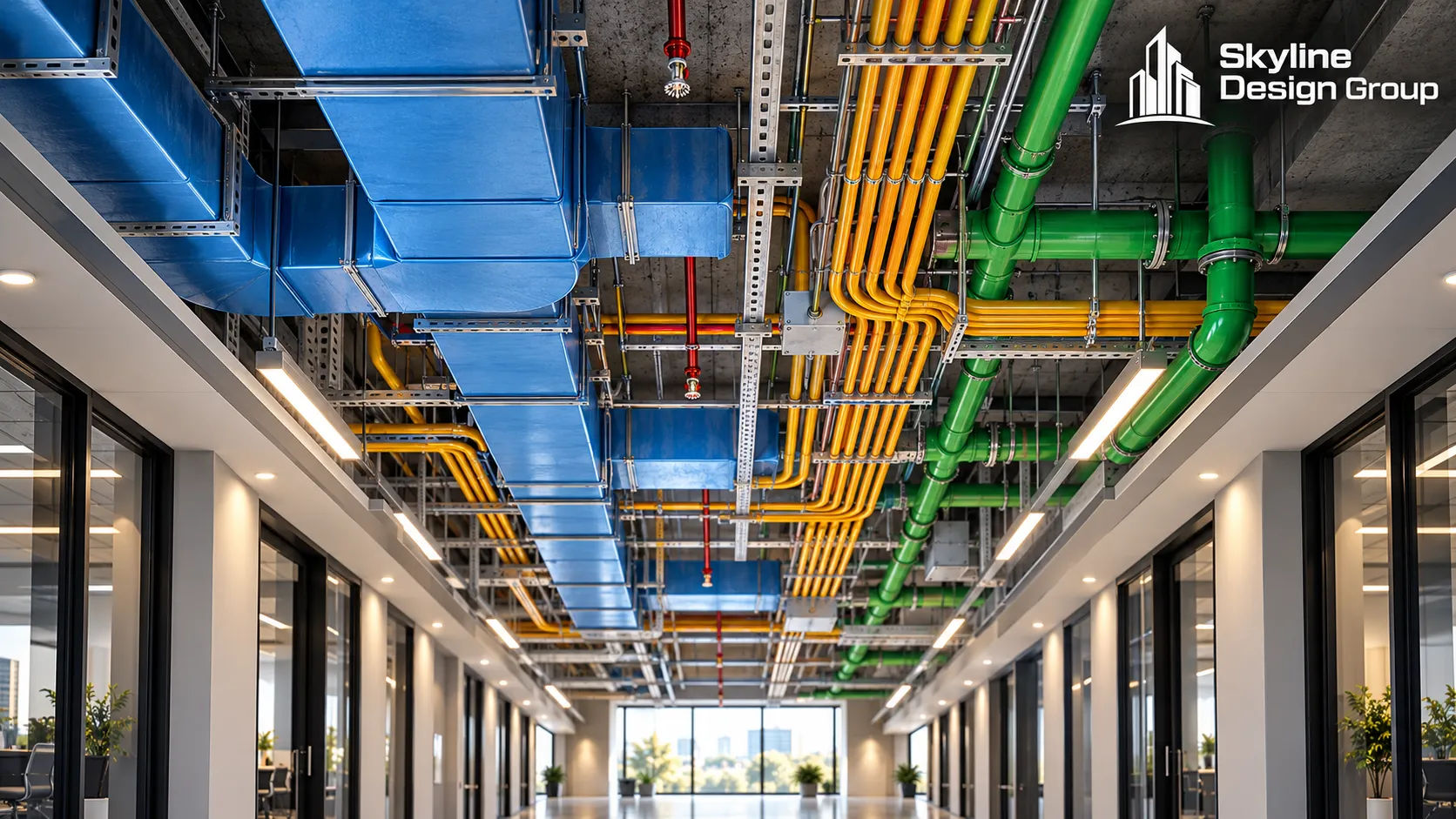
Three different disciplines model their own systems first. Mechanical builds ductwork and equipment. Electrical builds conduit, panels and light fixtures. Plumbing builds piping, fixtures and drains. Each of those models is correct on its own and still useless on its own, because none of them shows what happens when all three systems try to occupy the same ceiling cavity at the same time.
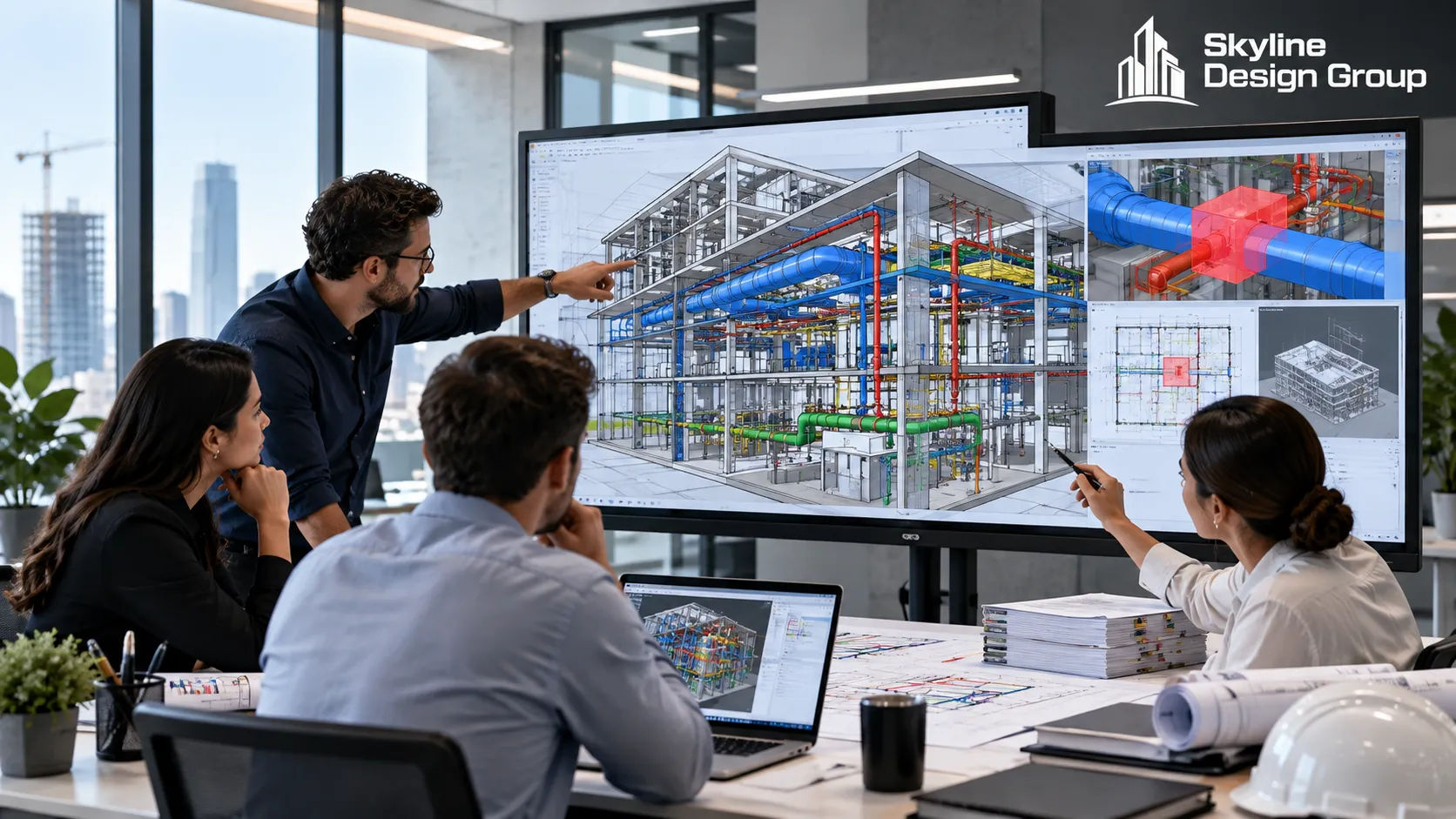
Coordination is the step where those models get combined into one federated model and checked against each other, and against the structural and architectural models, for physical conflicts. Autodesk’s own tutorial on spatial coordination for MEP BIM systems describes the core loop plainly: run a clash test in a coordination tool, push the findings back to the trade model, update the model, and verify the clash is actually resolved before moving on. That loop repeats, trade by trade and pass by pass, until the ceiling cavity makes sense.
What does a production partner deliver, and what stays with the engineer of record?
This is the line Skyline’s scope disclaimer draws for every service, and MEP coordination is no exception. A production partner builds and maintains the models, runs the federated clash review, and documents the findings. The mechanical, electrical and plumbing engineer of record still designs the systems: equipment sizing, load calculations, code-driven system selection and the engineering stamp on the construction documents.
In practice, a coordination deliverable set usually includes:
- A federated model combining architectural, structural and all three MEP trade models
- A clash report sorted by severity, with each clash assigned to the trade responsible for resolving it
- Updated trade models once clashes are resolved and re-checked
- Coordinated MEP isometrics or sections for the areas with the tightest congestion (mechanical rooms, risers, corridor ceilings)
None of that includes engineering sign-off. If a clash resolution changes a pipe size, a duct routing that affects airflow calculations, or anything load-bearing, that change still routes back through the engineer of record. A production partner flags it; the engineer decides it.
How does the clash review process actually work?
The Mechanical Contractors Association of America’s guide on achieving spatial coordination through BIM frames this as a team process, not a software feature. It covers building the coordination team, setting a BIM execution plan before modeling starts, and agreeing on contract language for who owns which system in the federated model. Software runs the clash test; the team process is what makes the results mean anything.
A typical coordination pass looks like this:
- Confirm each trade’s model has reached the level of development the coordination stage requires (see below) before running a test — a half-finished model just produces noise.
- Run the clash test in the coordination tool and export the results.
- Sort clashes by severity: hard clashes (two solid objects in the same space), clearance clashes (not touching, but too close to install or maintain), and duplicates.
- Assign each real clash to the trade responsible for resolving it, with a date.
- Update the trade model, re-run the test on that area, and confirm the clash is gone — not just reduce in the report, actually gone.
Example (illustrative) clash log, the kind of record a coordination partner should hand back after a pass:
| CLASH # | LOCATION | TYPE | TRADE | STATUS |
|---|---|---|---|---|
| C-014 | Corridor 2, L3 text-center | Hard | Mech | Resolved |
| C-015 | Corridor 2, L3 text-center | Clearance | Elec | Open |
| C-016 | Riser Room B | Hard | Plumb | Resolved |
| C-017 | Mech Room 201 | Duplicate | Mech | Closed, no action |
What level of model detail do you need before coordination starts?
Running a clash test on a model that is not detailed enough just wastes everyone’s time flagging conflicts that will change anyway. The BIM Forum’s Level of Development specification defines this directly: LOD 3 text-center00 shows a system sized and located with general accuracy, but LOD 3 text-center50 is the level built for coordination specifically, because it adds the interfaces and connections between systems and trades that a clash test actually needs to catch something real.
Ask your coordination partner, in writing, what LOD each trade model will reach before the first clash test runs. If the answer is vague, expect a clash report full of noise.
What goes wrong when MEP coordination is skipped or rushed?
The honest answer: the conflict does not go away, it just moves to the field, where it is far more expensive to fix. A duct that clashes with a beam on screen costs a model update. The same clash found during rough-in costs a field change order, a schedule delay while trades wait on a resolution, and sometimes a cut-and-patch repair to finishes that were already installed around it.
Rushed coordination has its own failure mode: a federated model that technically ran a clash test, but on trade models that were not detailed enough to mean anything, so the report comes back clean and the real conflicts show up anyway once the models catch up to field conditions. A coordination partner should tell you when a model is not ready for a meaningful test, not just run the test anyway.
A note on cost and timing
Skyline has not published rates for MEP coordination specifically [CLIENT TO CONFIRM], so any number here would be a guess. What is worth planning for: coordination works best started early, in parallel with design development, not bolted on right before permit submission. A model that arrives for its first clash test the week before construction starts leaves no real time to resolve what the test finds.
If your trades are still resolving conflicts in the field instead of on screen, Request a Scope Review — send one project’s trade models, your current coordination process (if you have one), and a note on what you would want to keep managing in-house.
For the broader decision on what to hand off and what to keep, see outsourced drafting for US firms. For how this fits into BIM coordination services more generally, see BIM coordination services for general contractors. For the mechanics of clash severity and sample reporting, see clash detection in Navisworks.