What Is Topographic Survey Digitization, and Why Can’t You Just Design From the PDF?
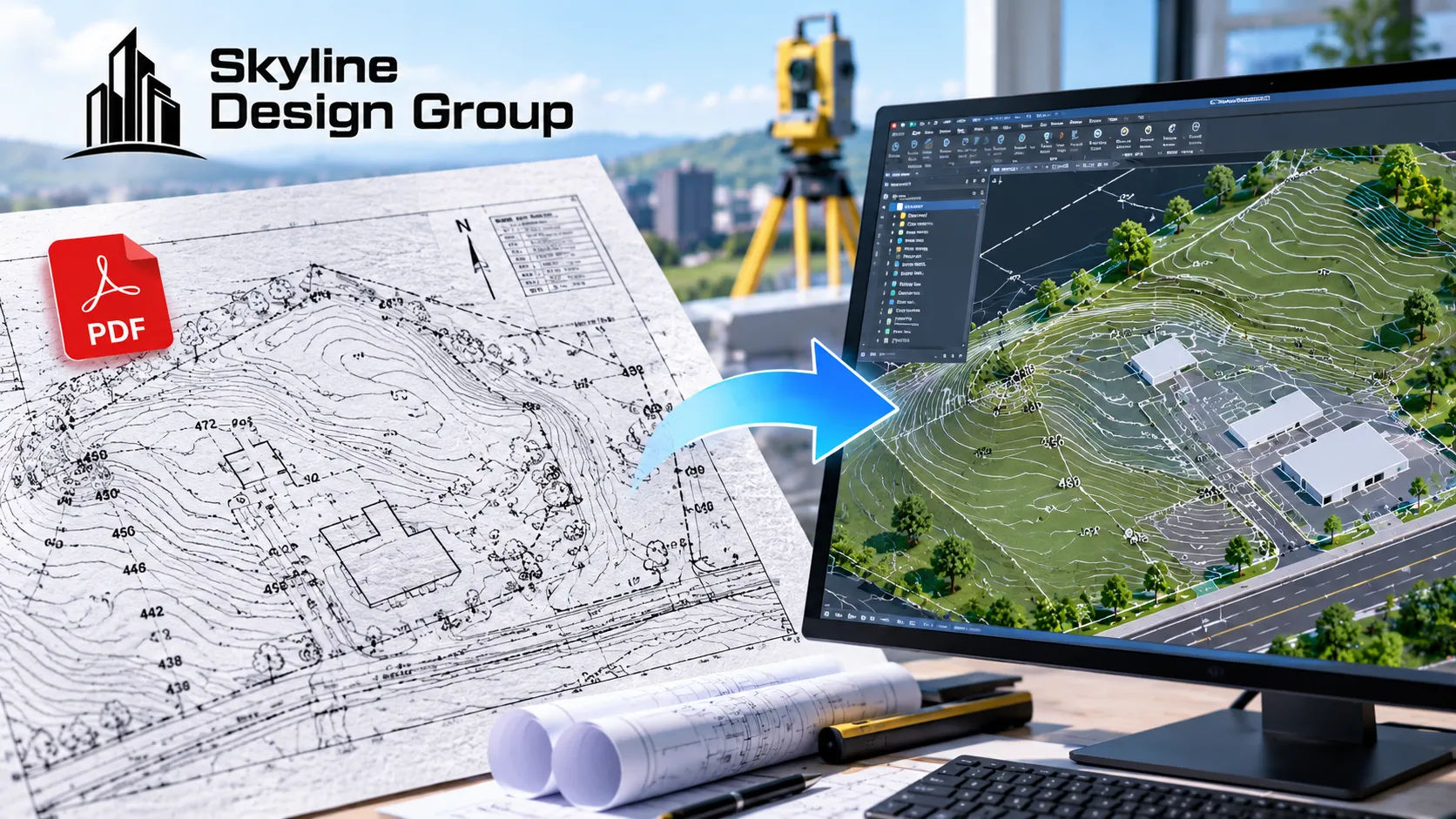
The surveyor’s PDF has everything on it — contours, spot elevations, property lines, trees. It looks complete. The problem shows up the moment someone tries to design from it: there’s no way to pull a precise elevation off a line, no way to isolate the contours from the trees, and no way to bring any of it into a CAD or BIM file without redrawing it by hand first.
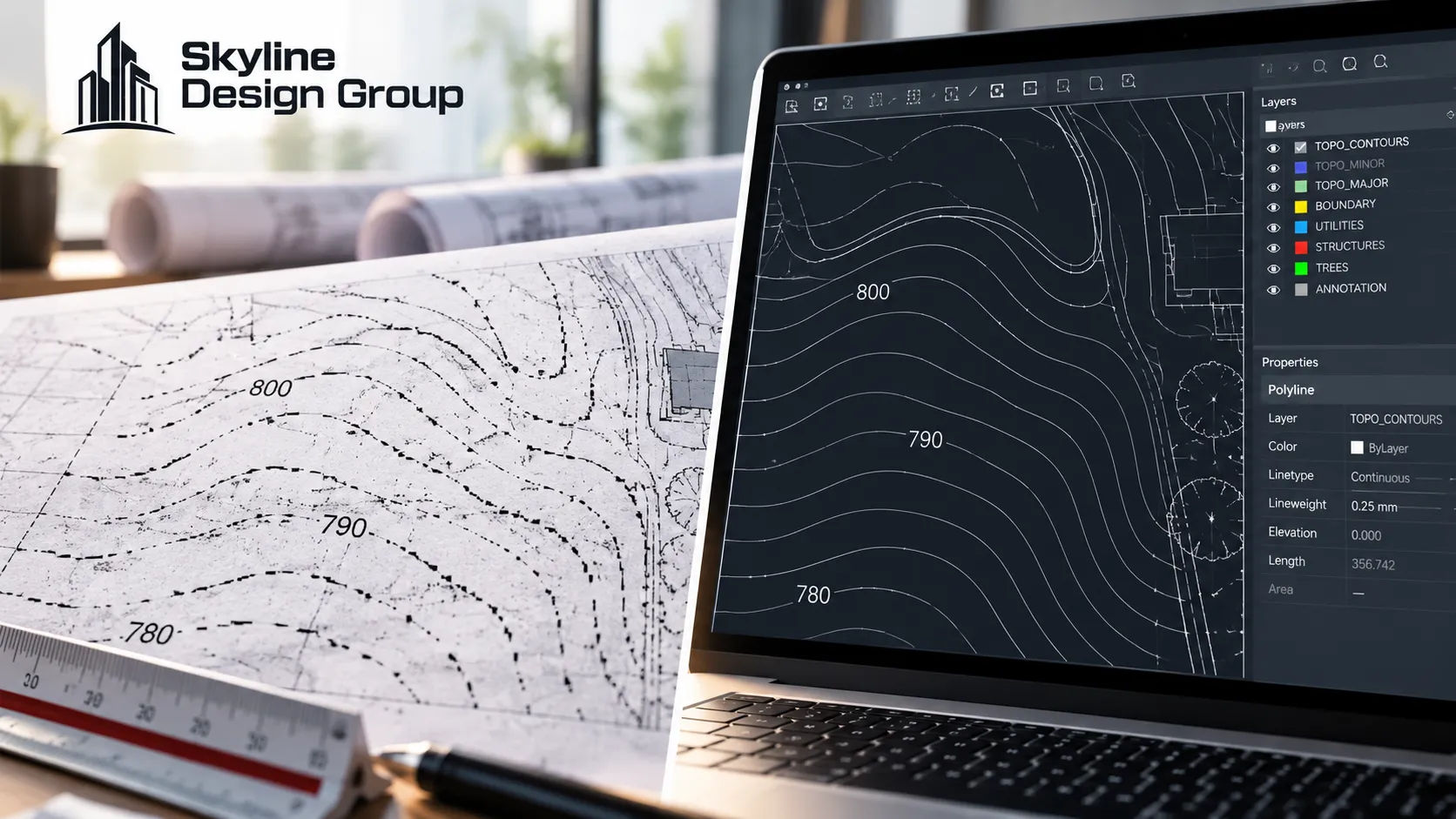
Topographic survey digitization turns a flat PDF, scan, or flattened CAD export into a structured CAD file with real geometry — contours and spot elevations you can query, features on their own layers, and coordinates tied to a usable datum. A flat PDF only shows the information; a digitized survey lets a design program actually measure and build on it.
Who this is for
Civil engineers and developers who have a topographic survey in hand — often as a PDF, a scan, or an old drawing — and need it turned into something a current design workflow can actually use.
What does a proper digitized survey actually contain?
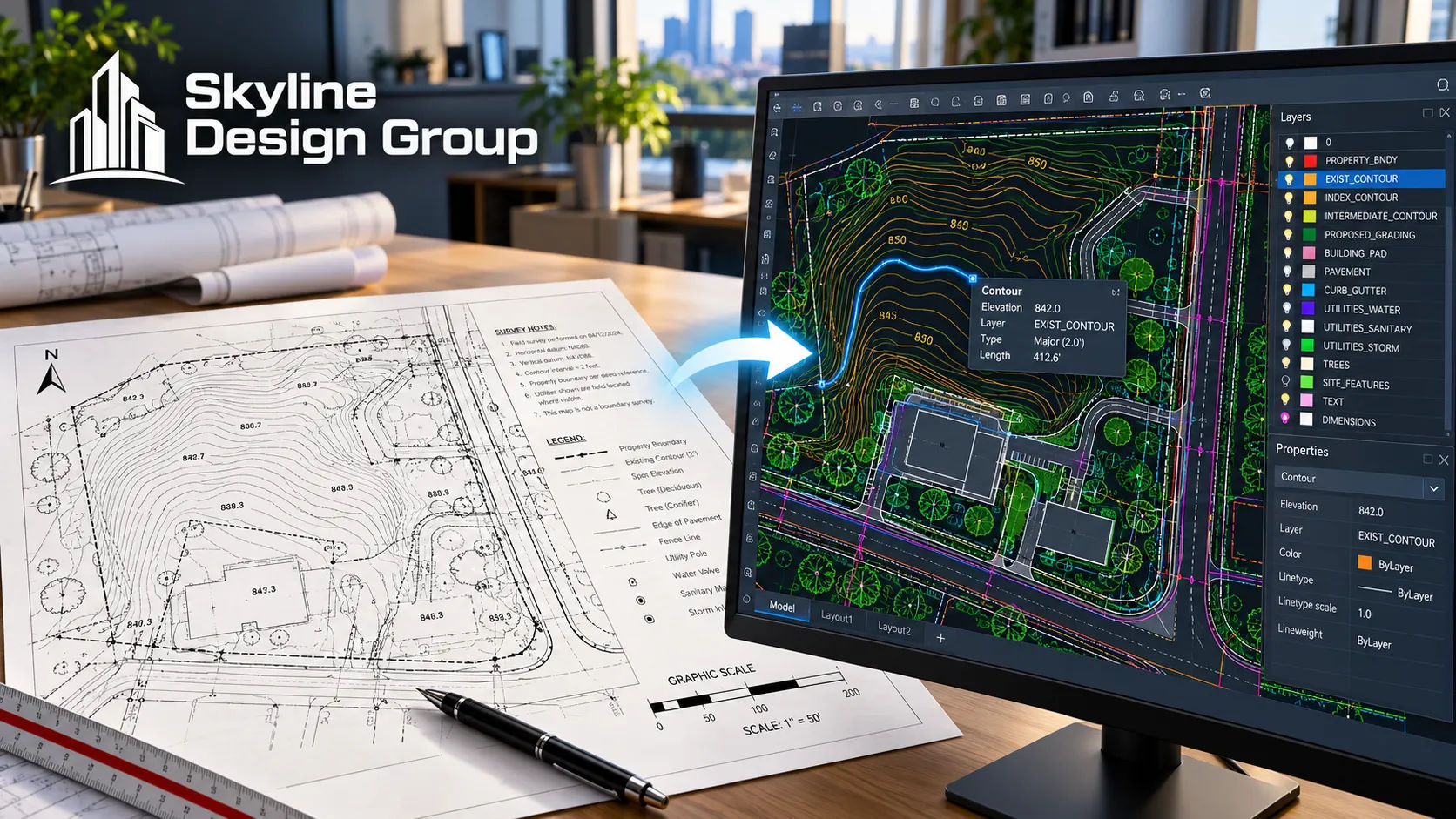
A UK-based survey provider’s own description of a correctly prepared CAD survey deliverable is specific about what separates it from a flattened one: structured layering that keeps buildings, boundaries, contours, spot levels, trees and utilities on their own layers, contours and spot levels at an interval appropriate to the design stage, and a file tied to a real coordinate system rather than drawn in isolation. The same source is blunt about what happens when a provider instead exports from a PDF: contours come through broken, and text turns into exploded geometry that can’t be edited or queried as text at all.
That’s the practical definition of digitization: not redrawing the picture, but rebuilding the data behind it so every contour, elevation and feature is something the design software can actually measure and use, not just something a person can look at.
Why can’t you just design from the PDF or scan directly?
Because a PDF or scanned image is a picture of survey data, not the data itself. You can look at a contour on a PDF, but you can’t ask the file what elevation that contour represents at a specific point, because the line isn’t tied to any elevation value — it’s just ink in roughly the right place. Grading calculations, cut-and-fill estimates, drainage design and utility routing all depend on querying real elevation values at specific points, which a flattened image simply doesn’t carry.
There’s also a scope question underneath this that’s easy to miss: not every survey a client already has was ever meant to carry topographic detail in the first place. ALTA/NSPS’s own standard for land title surveys treats contour and elevation information as an optional item — Table A, Item 5 — that has to be specifically requested and paid for, separate from the survey’s baseline boundary and title requirements. A survey without that item was never going to have usable topographic data to digitize, flattened or not, which is worth checking before assuming a digitization problem is really a missing-data problem.
What should you check before sending a survey out for digitization?
A short checklist, before the file goes anywhere:
| Check | Why it matters |
|---|---|
| Does the source survey include topographic detail (contours, spot elevations), or only boundary and title information? | A survey without Table A, Item 5 was never going to have topographic data to digitize |
| Is the source a true CAD file, a PDF, or a scanned paper drawing? | Each source type needs different handling going in, and paper/scans need more interpretation |
| What coordinate system and datum was the original survey tied to? | The new file needs to match it or be deliberately converted, not silently redrawn in isolation |
| What contour interval does the design work actually need? | Coarse intervals suit a large site; a complex grading problem needs tighter intervals |
Does digitization improve the survey’s accuracy?
No, and it’s worth being direct about that. Digitization rebuilds the file format and structure of the data that’s already there — it doesn’t re-measure the ground, correct a survey that was wrong to begin with, or update conditions that have changed since the original survey was taken. If the underlying survey is accurate, digitizing it gives you an accurate, usable CAD file. If the underlying survey is outdated or was never very precise, digitizing it gives you an outdated or imprecise CAD file that just happens to be easier to work with.
That distinction matters most on sites that have changed since the original survey — new grading, a demolished structure, a tree that’s been removed. Digitization won’t catch any of that, because it’s working from what the original survey recorded, not from the site as it exists today.
Where this fits into a production partner’s scope
If you have a topographic survey that arrived as a PDF, scan, or outdated drawing, Request a Scope Review — send what you have and get back a specific read on what’s missing and what digitizing it would involve.
For when an older survey can still be reused versus when it needs a fresh look, see old survey, new project. For how survey data should be checked before design work starts, see the survey data QA checklist. For what a laser scan needs before it becomes a usable drawing, see point cloud to CAD.