What Is 3D Architectural Modeling, and When Does a Project Actually Need One?
Not every project needs a 3D model. A small addition with a simple roof plan can move through 2D drawings just fine. A multi-building site with structural coordination across three trades usually can’t — not without someone eventually building the 3D version anyway, just later and under more schedule pressure.
Knowing which situation you’re in before design development starts is the real question behind “do we need 3D modeling,” not whether 3D is generally a good idea.
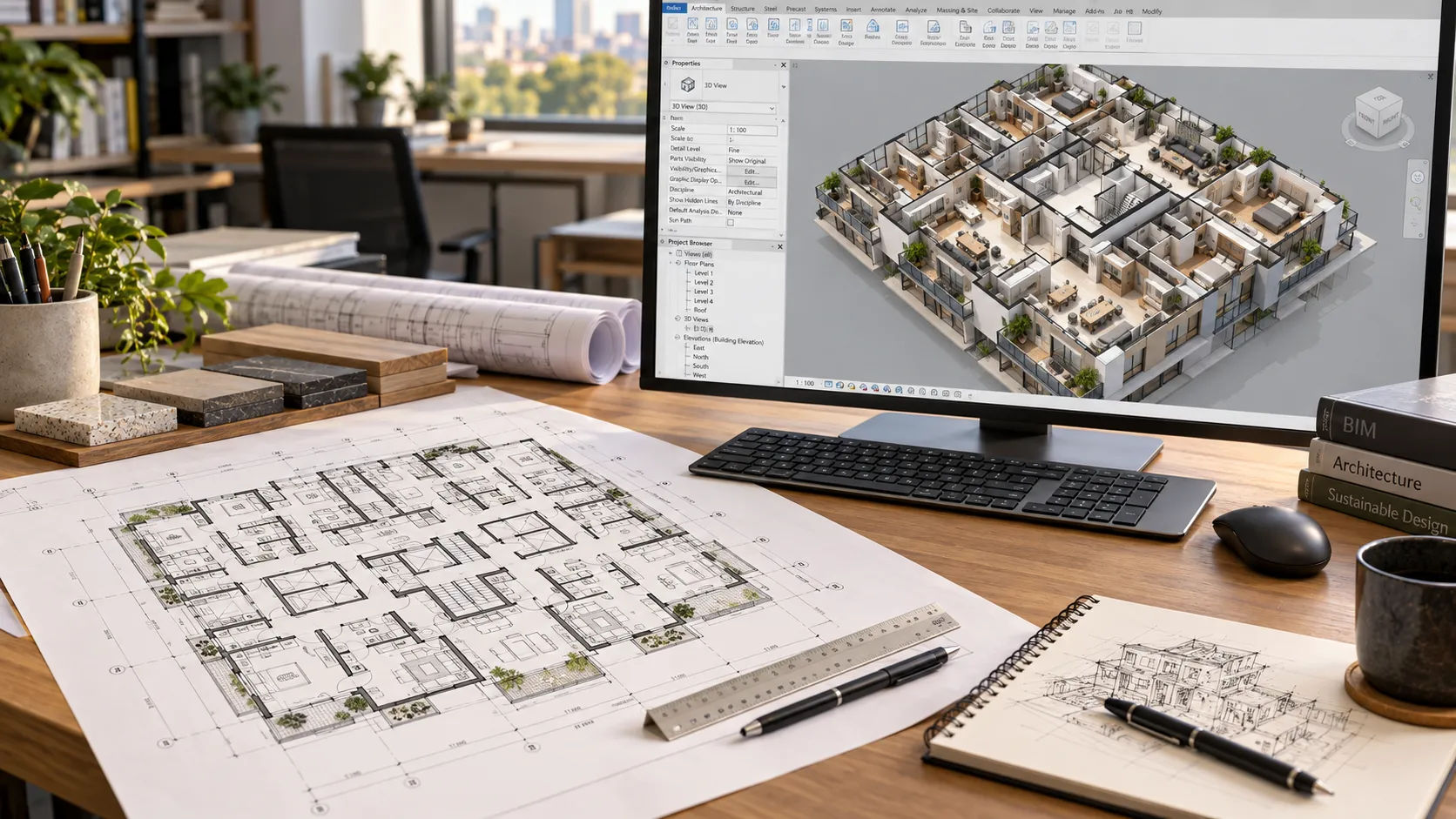
3D architectural modeling converts drawings, sketches or point-cloud scans into a coordinated digital model, built to a level of development (LOD 200-400) matched to its use. A project needs one when multiple disciplines coordinate in the same space, entitlement review expects a 3D view, or the design is too complex for 2D drawings to catch every conflict.
Who this is for
Architecture principals deciding whether a project’s complexity justifies a 3D model, and what to ask a production partner to build if it does.
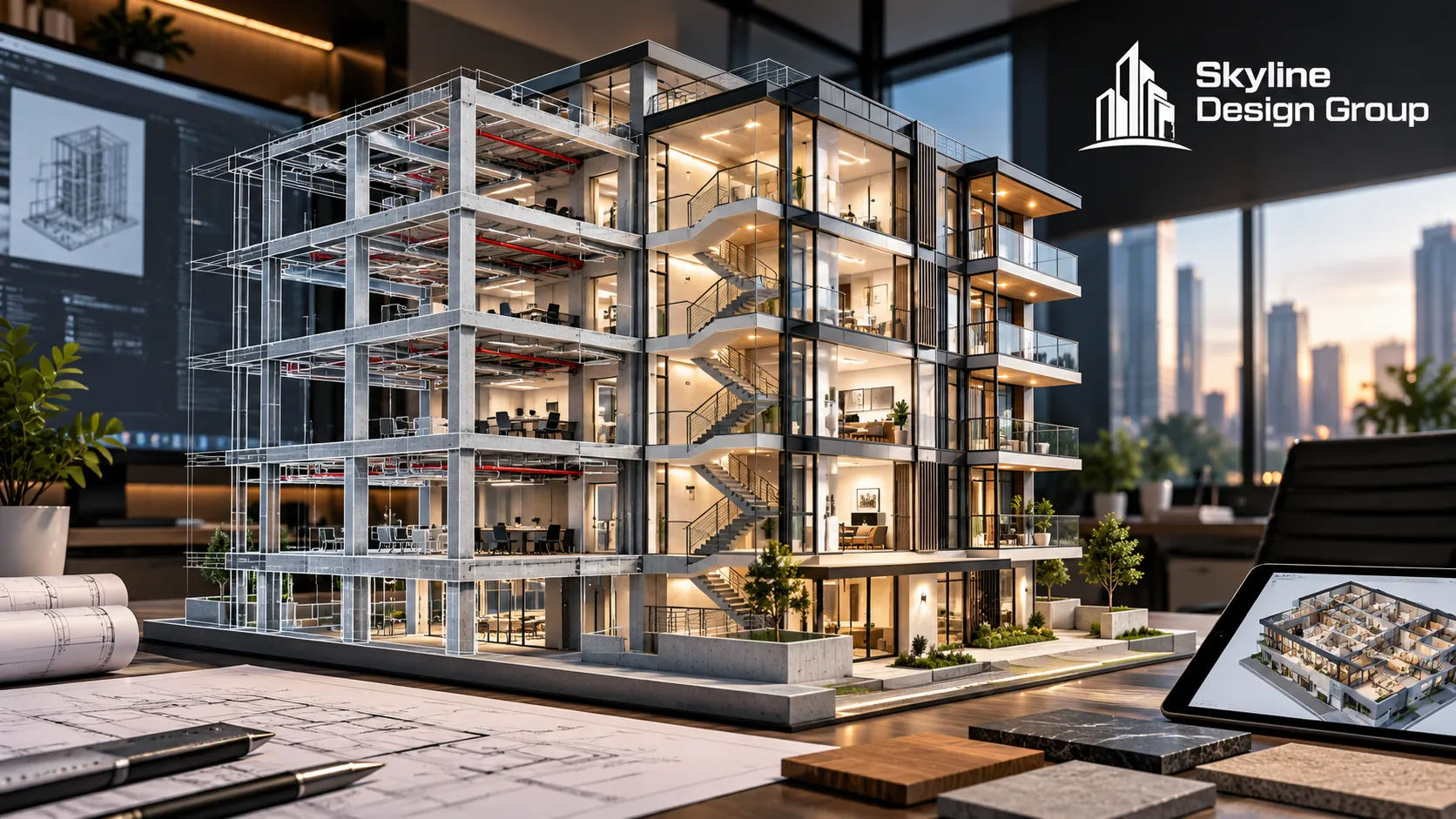
What does 3D architectural modeling actually involve?
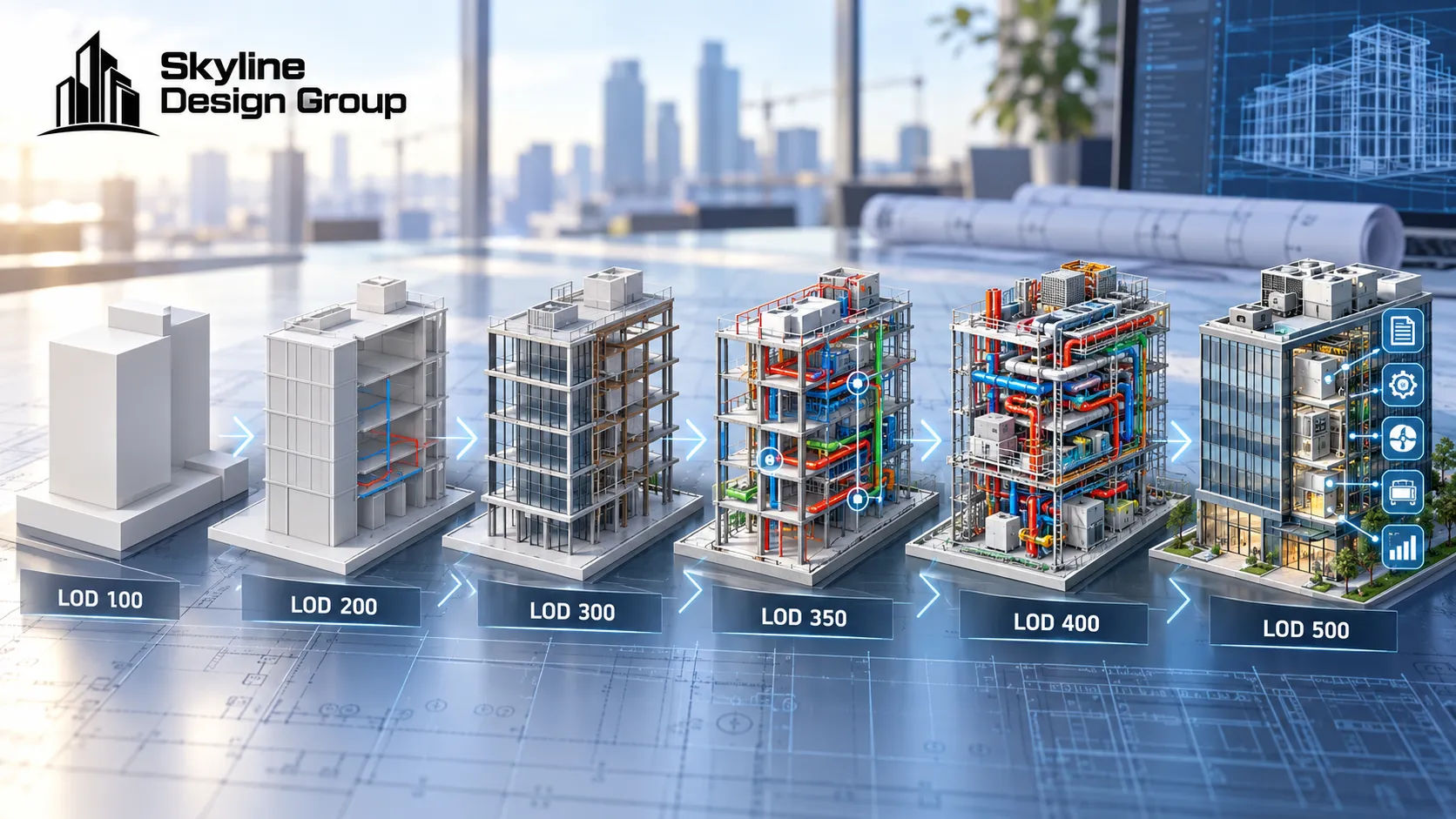
At its core, it’s a conversion process: turning whatever source material exists — CAD drawings, PDFs, sketches, marked-up plans, specifications, reference images, point-cloud scans, or an existing Revit model — into one coordinated digital building model. Skyline’s own service page for this describes accepting all of those input types and combining them into a single model, built to a level of development matched to what the model needs to do: LOD 200, 300, 350, or in some cases 400, so the project isn’t paying for more modeling detail than its actual use requires.
That last point is worth sitting with. A model built for an early massing study doesn’t need the same detail as one built for trade coordination or fabrication, and building to the wrong level in either direction wastes money — too little detail and the model can’t do its job; too much and the project paid for precision nobody needed yet.
| LOD level | Typical use | Underkill risk | Overkill risk |
|---|---|---|---|
| 200 | Early massing, concept visualization | Model can’t support real decisions | Rare — 200 is already lean |
| 300 | Design development, general coordination | Clashes get missed | Paying for coordination detail too early |
| 350 | Trade coordination, clash detection | Clash tests produce noise | Not usually overkill at this stage |
| 400 (selected) | Fabrication, assembly detail | Shop lacks what it needs to build from | Modeling fabrication detail nobody will use |
When does a project actually need a 3D model instead of staying in 2D?
Three situations tend to tip the answer toward 3D:
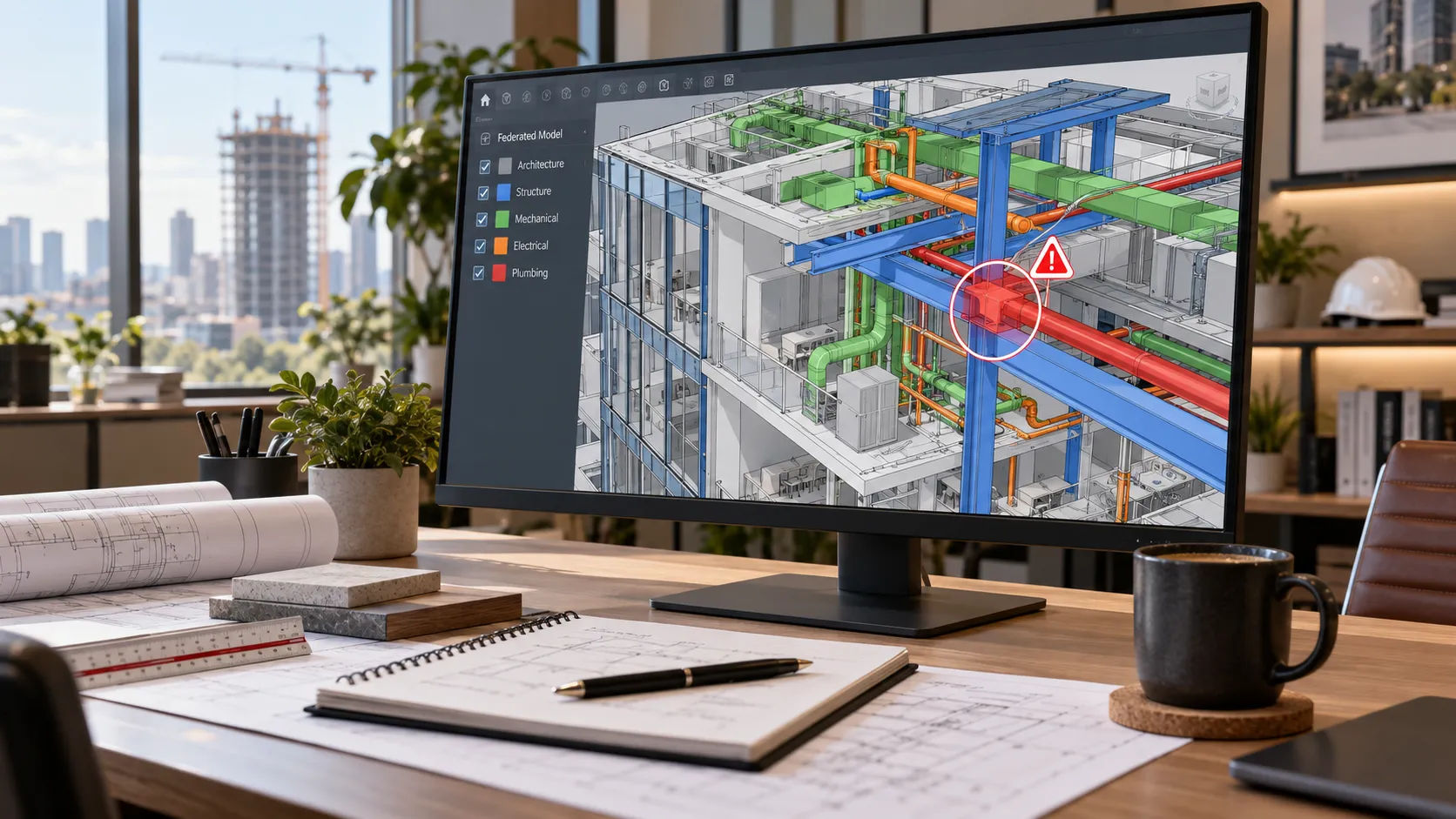
- Multi-discipline coordination. Once architectural, structural and MEP systems need to occupy the same space without conflicting, a 3D model is how those conflicts get caught before construction instead of in the field.
- Entitlement or design review expecting a 3D view. Some planning departments and design review boards want massing or visualization that 2D plans alone don’t communicate clearly.
- Design complexity that outruns what 2D drawings can track. A building with irregular geometry, multiple structural systems, or heavy existing-condition constraints is harder to verify fully in 2D than in a coordinated model.
A small, simple project with one discipline and plain, regular geometry often doesn’t need this step, and forcing a 3D workflow onto it just adds cost without a matching benefit.
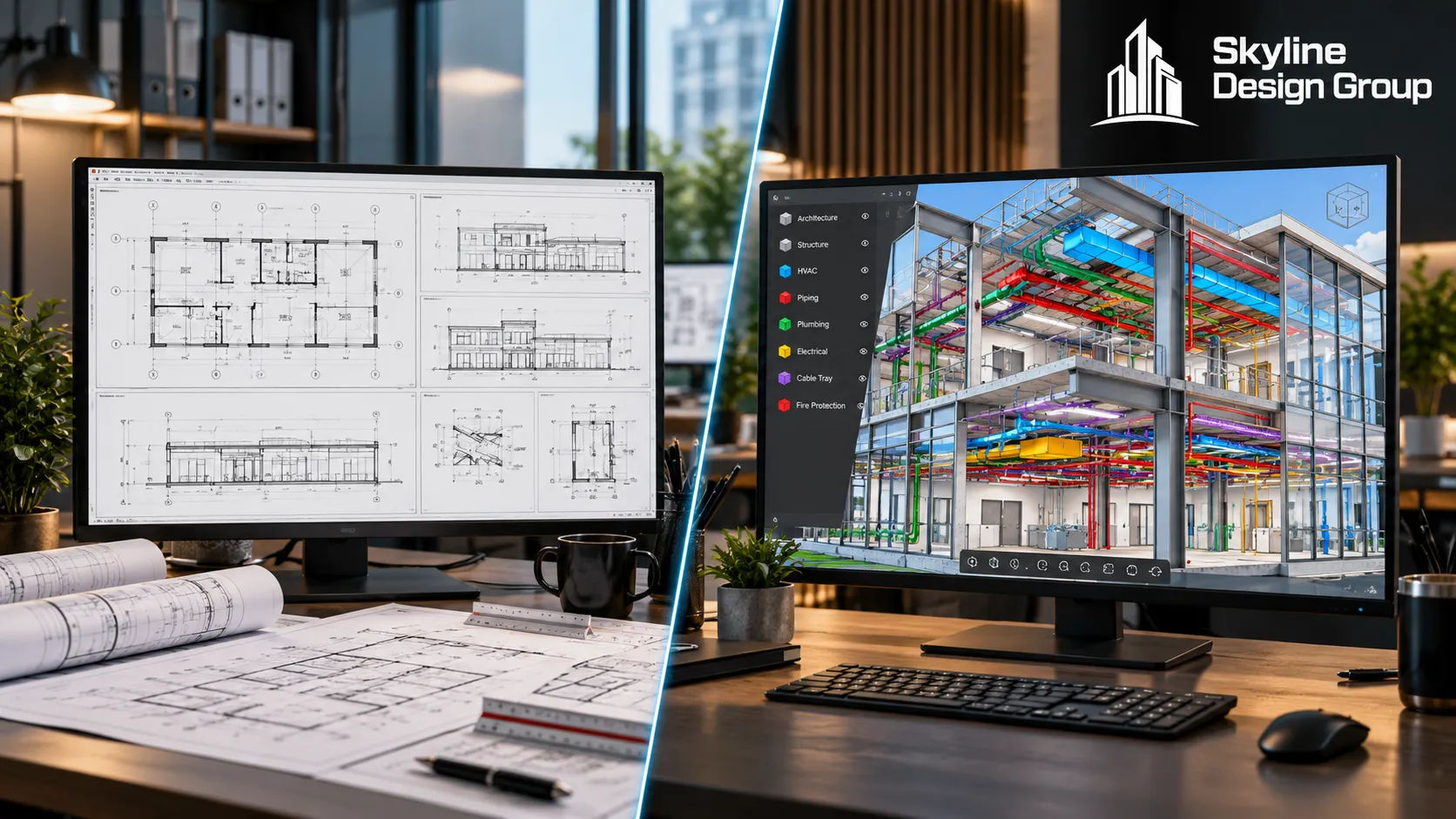
What does the process actually look like?
A typical production workflow for 3D architectural and structural modeling runs through a few consistent stages: aligning on scope and intended use, auditing the source files for completeness and usability, building the core model, coordinating it across disciplines, running QA/QC review, and delivering the model with revision support. Deliverables commonly include native Revit files, a federated model, coordinated views, clash markups, schedules, and exports in formats like IFC, NWC, DWG and PDF depending on what downstream software the project team is using.
What stays with the architect or engineer of record?
Building a 3D model does not transfer design authority. Final design responsibility, code review, engineering decisions and professional seals stay with the project’s licensed architects and engineers — a production partner builds, coordinates and documents the model, but does not take over the decisions a license is attached to. This is the same scope line that governs drafting and coordination work generally: modeling is a production function, not a substitute for licensed design judgment.
What happens if a project skips 3D modeling when it probably needed one
The design still gets built either way — the question is just where the coordination happens. Skip the 3D model on a project that actually needed one, and the same conflicts that a federated model would have caught on screen get discovered in the field instead, usually at higher cost and with less time to fix them cleanly. The decision isn’t really “3D or not” in the abstract; it’s “where do we want to find our conflicts,” and that answer tends to point toward 3D once more than one discipline is sharing the same space.
Where this fits into a production partner’s scope
If you’re deciding whether your next project needs a 3D model or can stay in 2D, Request a Scope Review — send your current drawing set or source files and a note on which disciplines will need to coordinate. For how level of development is defined across project stages, see LOD 100 to 500 explained. For how this models feeds into trade coordination once it exists, see MEP modeling and coordination explained. For the scope line between a production partner and the architect of record, see who stamps the drawings.