The 3D Model That Never Gets Opened Again: How to Avoid Paying for a One-Time Visual
A 3D model gets built for a pitch, a planning submission or an investor deck. It does its job, the meeting happens, and then it sits on a drive untouched for the rest of the project. That’s not a failure of the model — it’s a failure of planning. The model was commissioned to answer one question, so it can only answer one question. Whether it could have answered three or four is a decision that gets made (or skipped) before the modeling starts, not after.
A 3D model gets opened only once when it’s built narrowly for a single use — a rendering for one pitch, a massing study for one submission — with no structure or data behind it for anything else. The same model becomes reusable for coordination, documentation, marketing and even facility management when reuse is planned upfront, not left to chance.
Who this is for
Architecture principals and developers who’ve paid for a 3D model or rendering package that got used for its original purpose and then never touched again, and want to know what would have made it worth reopening.
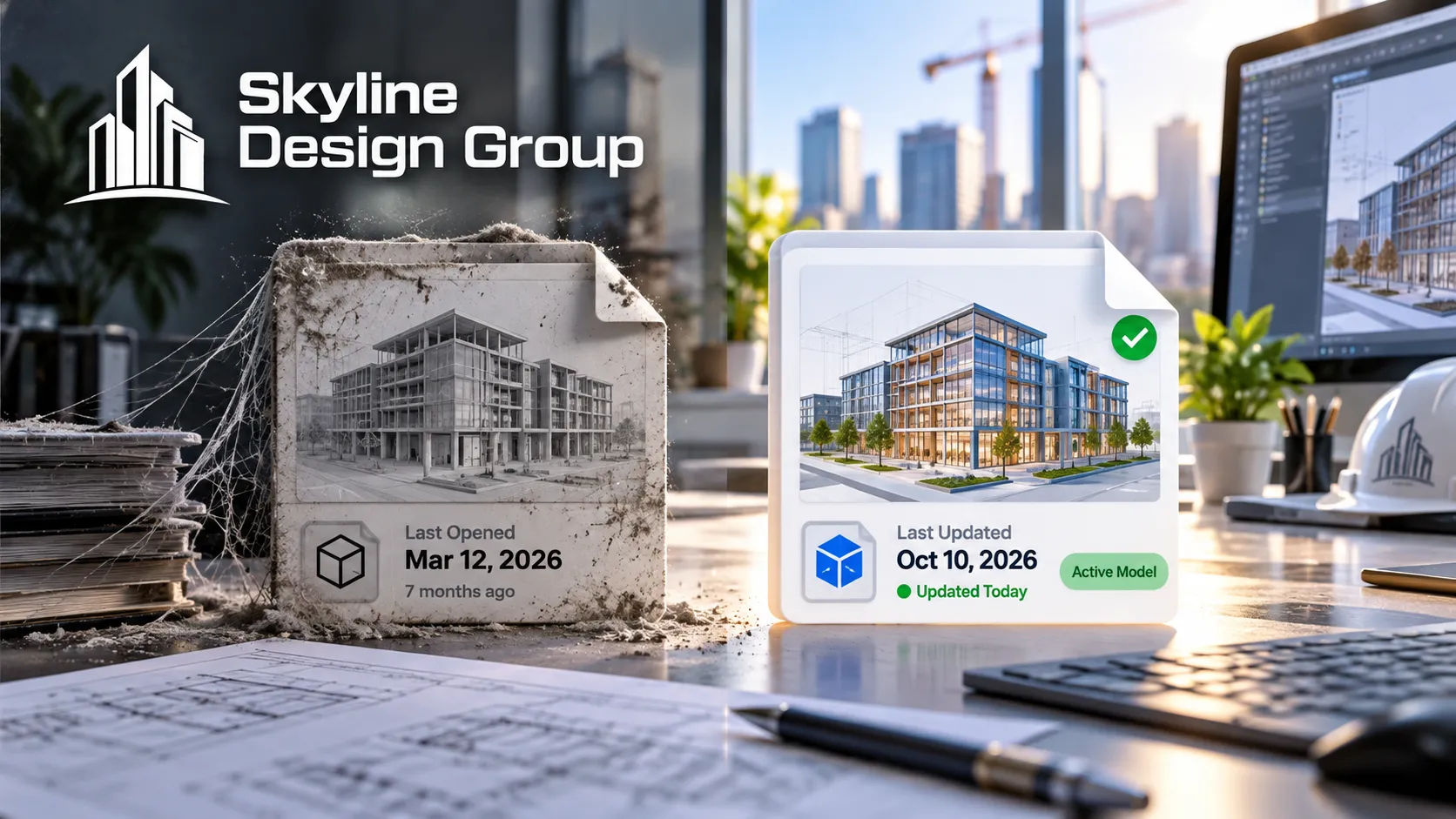
What makes a 3D model get opened only once?
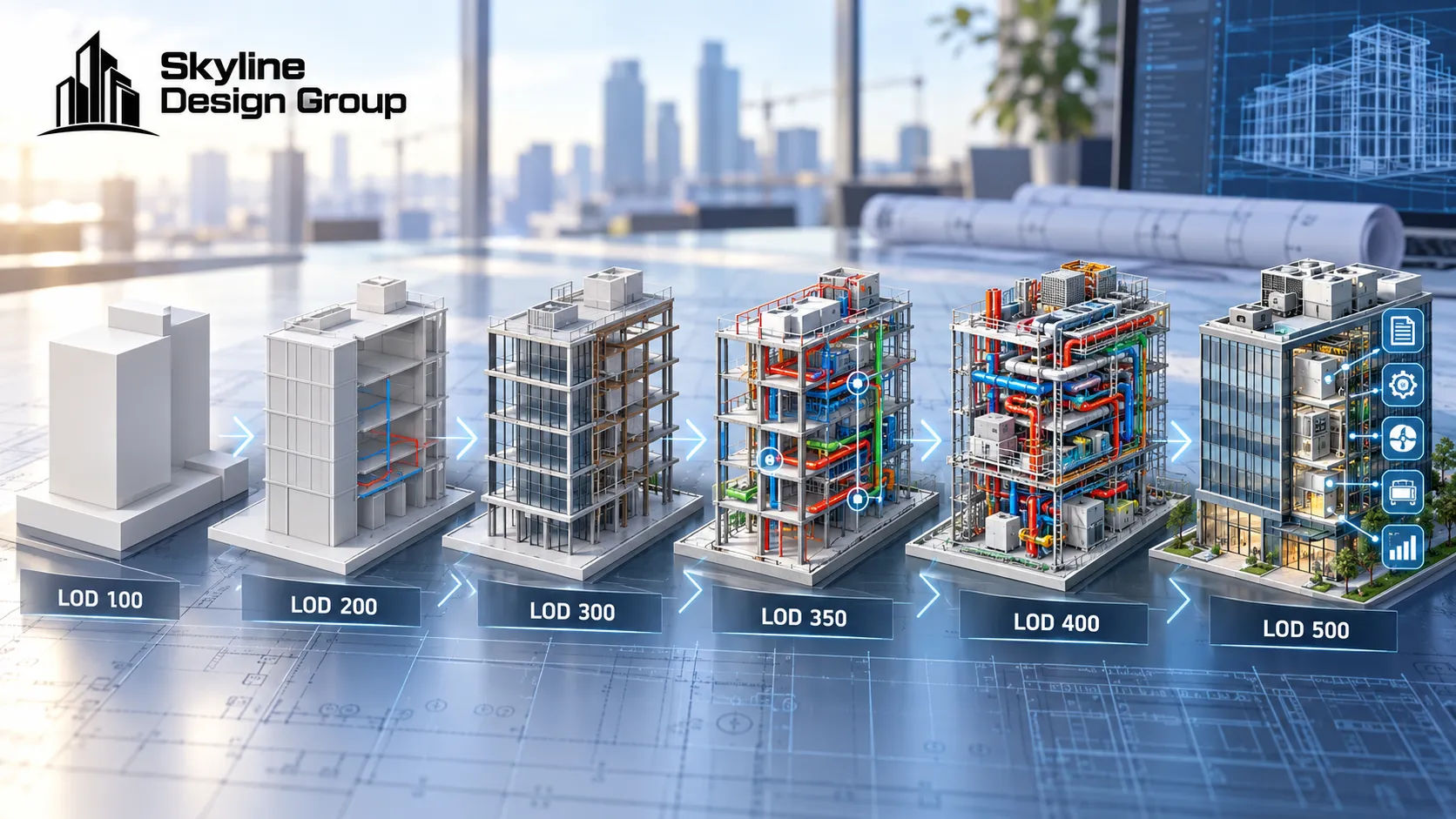
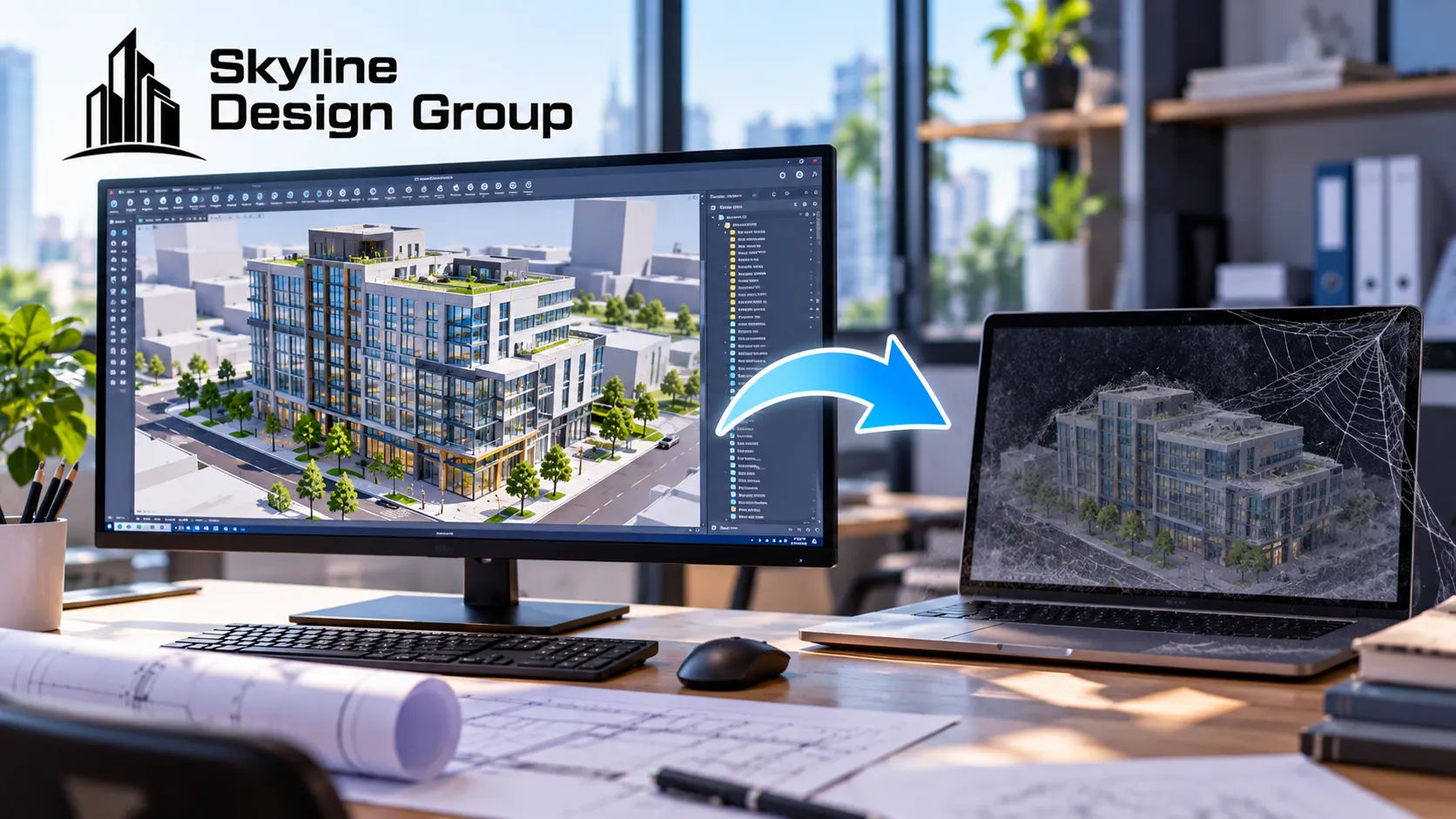
Usually, it’s built to the minimum level of development the single use case requires and no further. A massing study built for an entitlement submission needs exterior form and approximate dimensions — nothing about interior layout, structural systems or MEP routing. That’s correct for the submission. It’s also exactly why the same file is nearly useless for construction coordination later: the geometry that would make it useful for the next purpose was never modeled, because nobody asked for it to be.
The same pattern shows up with marketing renderings. A commercial real estate marketing article aimed at developers lists the full range of things a 3D visual can support before a project is complete — investor decks, leasing campaigns, planning-board presentations, tenant tours of space that doesn’t exist yet, website launches, PR coverage — but is explicit that the point isn’t to produce every type from one asset. The advice is to match the rendering to the specific conversation it needs to win, which is a reasonable strategy for renderings but a trap if the same thinking gets applied to the underlying model: a model built to win one conversation and nothing else will, predictably, only ever be useful for that one conversation.
What would make the same model worth reusing?
Deciding what the model needs to support, before it’s built, rather than discovering afterward what it can’t do. If there’s a real chance the model will be used for construction coordination later, the geometry needs to go further than massing even if the immediate deliverable is a rendering. If there’s a real chance it will end up in a facility management system after construction, the data behind it matters as much as the geometry.
That second case has a specific, well-established standard behind it. COBie — the Construction Operations Building Information Exchange — is a non-proprietary data format developed specifically because design and construction models, built to coordinate systems and produce drawings, don’t automatically carry the asset data a facilities team needs: equipment specifications, serial numbers, maintenance schedules, warranty information, and which spaces each piece of equipment actually serves. A model built without that structure in mind doesn’t fail to be a good design model — it simply was never going to be handed to the FM team usefully, no matter how good the geometry looks.

| Intended reuse | What the model needs beyond its original purpose |
|---|---|
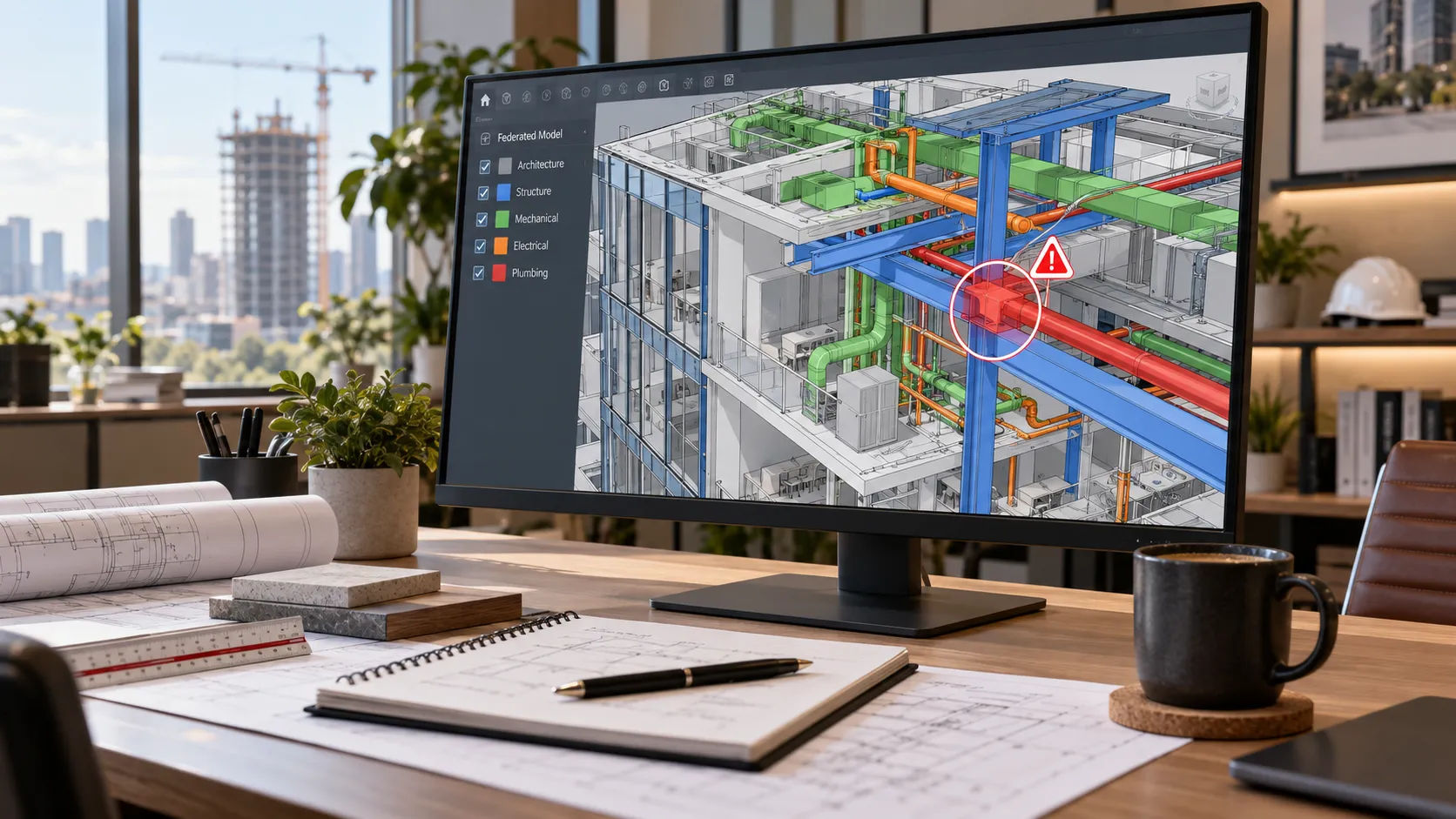
| Construction coordination later | Geometry developed past massing — at minimum LOD 300 on systems that will need to be checked against each other |
| Facility management handoff | COBie-structured or equivalent asset data: equipment specs, maintenance schedules, space relationships |
| Marketing and leasing reuse | A model detailed enough that renderings derived from it still look accurate once the design is further along |
| Future renovation or addition | As-built accuracy (LOD 500) rather than design-intent geometry that was never field-verified |
What does planning for reuse actually look like?
It looks like one conversation before the first model is built, not a retrofit after the fact: naming every likely future use case, even the ones that are only maybe-likely, and pricing the small amount of extra development that would keep each of them open. That conversation usually costs far less than rebuilding a narrow model from scratch once a real need for it shows up six months later.
Where this fits into a production partner’s scope
If you’re about to commission a 3D model and aren’t sure which future uses are worth planning for, Request a Scope Review — describe the likely future uses from the table above and get back a specific recommendation on what additional LOD or data structure would keep each one open.
For how level of development determines what a model can support later, see LOD 100 to 500 explained. For what 3D modeling scope covers from the start, see what is 3D architectural modeling. For how this question plays out specifically on entitlement-stage massing models, see 3D massing models for entitlement.