Which software is better is the wrong question. The useful one is narrower: what format is this project already in, and what does the next person need it to be?
The short answer: hand off in the format the project already lives in. Send AutoCAD work as DWG and Revit work as a Revit model with your template. Change format only when a contract requires a model, consultants coordinate in 3D, or you will reuse the model. If both files exist, name the one that governs.
This page is for principals and project architects briefing an outside drafting partner on Revit or AutoCAD work. It gives a decision table, a list of what goes wrong and a format rule to paste into your scope note. For the wider question of what to send out at all, see the outsourcing guide.
What is the real difference when you hand work to someone else?
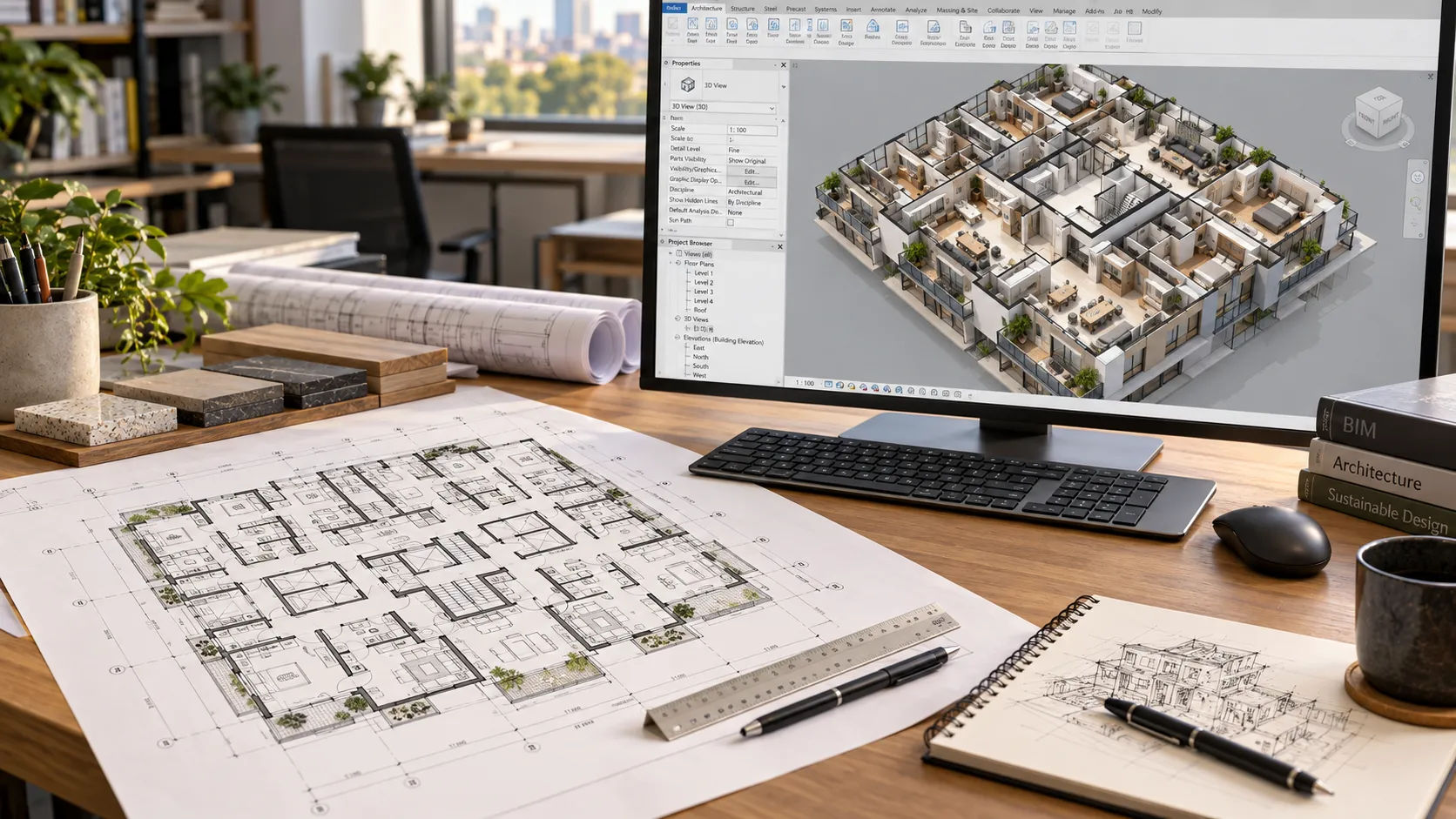
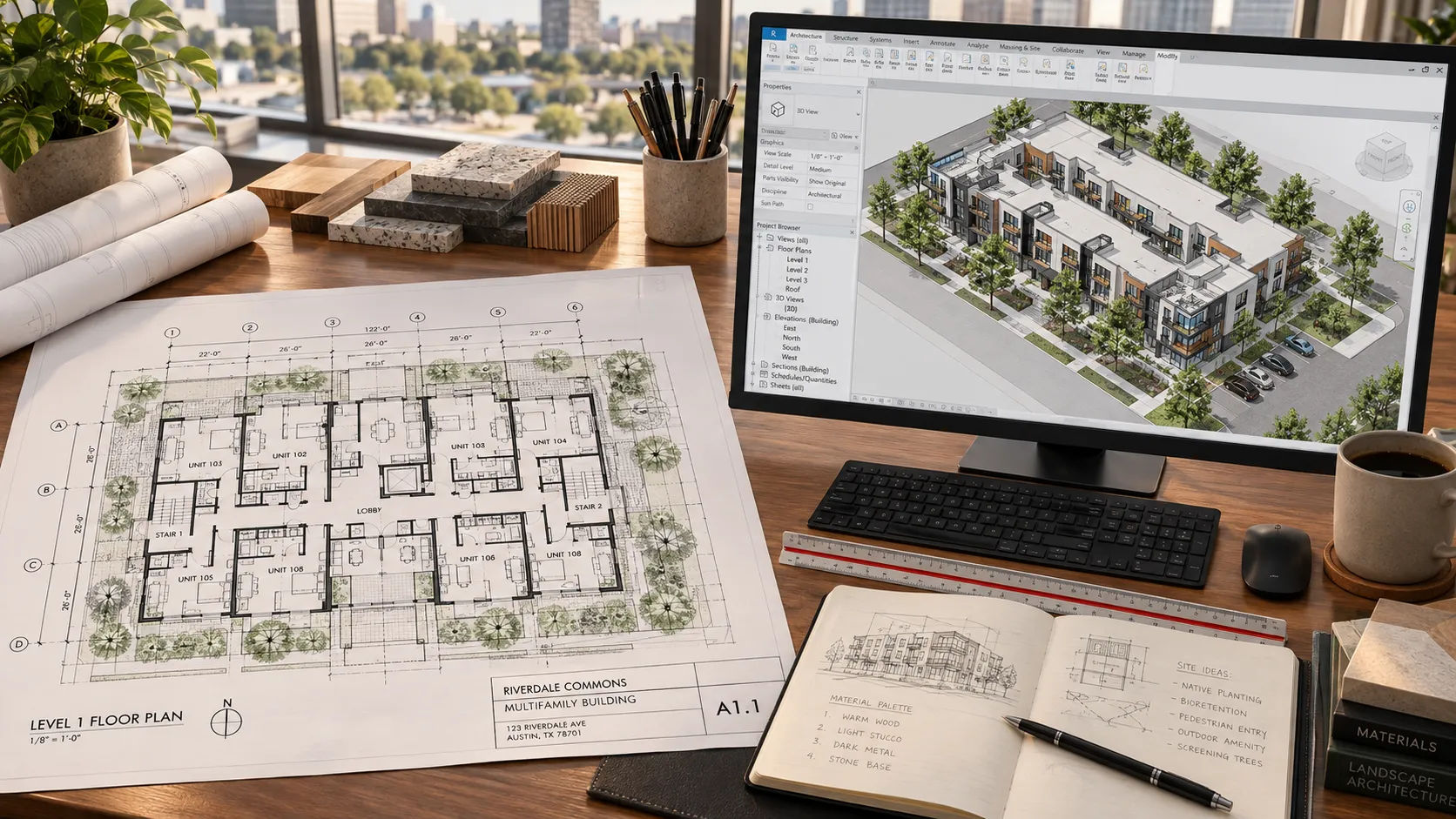
Autodesk describes AutoCAD as a tool for detailed 2D and 3D drawings and Revit as a BIM platform that manages a building as a data-rich model. The two are commonly used together. And the practical difference is in where the drawings come from.
In Revit, plans, sections and elevations are views of one model. Autodesk says the drawings and documents are derived from the model, and changes update across views. In an AutoCAD set, each sheet is drawn and edited on its own, so a change to a plan reaches the section only if someone makes it.
For a handoff, that has two effects.
- In AutoCAD, consistency lives in people. The partner must check sheet against sheet, and the standard that holds it together is your layer list, title blocks and naming.
- In Revit, consistency lives in the model. That helps, but it means the partner works inside your model, with your template, worksets and links. Get those wrong and the whole set is wrong at once.
The week-one handoff checklist covers the standards for each.
Which format should you hand off?
Use this as a starting point, then check it against your contract. The rows are general practice, apart from the points sourced in the text.
| Situation | Hand off as | Why | Watch for |
|---|---|---|---|
| Project already drawn in AutoCAD; permit set or changes | AutoCAD (DWG) | No conversion; your standards apply as they are | Cross-sheet consistency is manual |
| Project already in Revit | Revit model plus your template | Partner works in the source of truth | Worksets, links and who owns the model |
| Contract or owner requires a model | Revit | The deliverable is the model | Level of detail must be defined in the contract or BIM plan |
| Consultants coordinate in 3D | Revit | Their models federate with yours | Shared coordinates and file versions |
| Redlines on an older AutoCAD set | AutoCAD (DWG) | Record set stays in the format it was issued in | A model is a different job; price it separately |
| Revit job with CAD backgrounds | Revit, with CAD linked | Keeps the model clean | Do not import and explode |
| Paper or PDF only, no model | Depends on what the file is for | Documentation only points to CAD; reuse points to a model | Decide first whether a model is needed at all |
Two points behind the table come from published sources.
Link CAD into Revit, do not import it. Autodesk’s Revit help says that in most cases linking is preferred over importing CAD files, because links are easier to manage and to unload, and importing adds categories to the model. It also notes that exploding an import to edit its geometry can affect model performance.
Level of detail belongs in the contract. The BIMForum 2025 LOD Specification says owners and their stakeholders set the controlling level of development in contracts and in the BIM section of the execution plan. If a model is a deliverable, a partner cannot guess the level you need.

What should the partner receive in each case?
Send the project in its native format, plus the standards it is built to.
For AutoCAD work: the DWG set with its xrefs, title blocks, layer standard, text and dimension styles, plot style table and any custom fonts, and a folder and file-naming rule. Skyline’s construction documents page says it adapts to your title blocks, CAD layers, Revit standards, naming systems and review conventions, so send them.
For Revit work: the template and version, the model or central file arrangement, worksets, view templates, families and linked models, and shared coordinates. Agree the Revit version in writing.
For both: numbered, dated markups, and a named contact on each side.
What can go wrong with the choice of format?
The partner’s preferences pick the format. If a firm answers every request with the software it prefers, ask why. The project decides the format, not the vendor.
Two files, no rule. A DWG set and a Revit model of the same building will drift. If both exist, name the one that is edited and treat the other as an export.
Imported CAD inside the model. Autodesk warns that imports can cause performance and display-management problems that links avoid. Link it.
A model built for drawings, sold as a model for coordination. A model built only to produce sheets can look fine and still fail in coordination. Say what the model is for. BIM coordination services for general contractors covers what a coordination model needs.
Version mismatch. Agree software versions on day one, not when the first file will not open.
Sources
- BIM vs. CAD with Revit and AutoCAD, Autodesk (undated)
- About Importing or Linking CAD Files, Autodesk Revit help (2026)
- BIMForum 2025 LOD Specification, BIMForum (released December 31, 2025)
- 2023 Design & Architectural Standards, Ohio Housing Finance Agency
- Skyline Design Group: construction documents and Revit BIM coordination. Checked 2026-09-21.