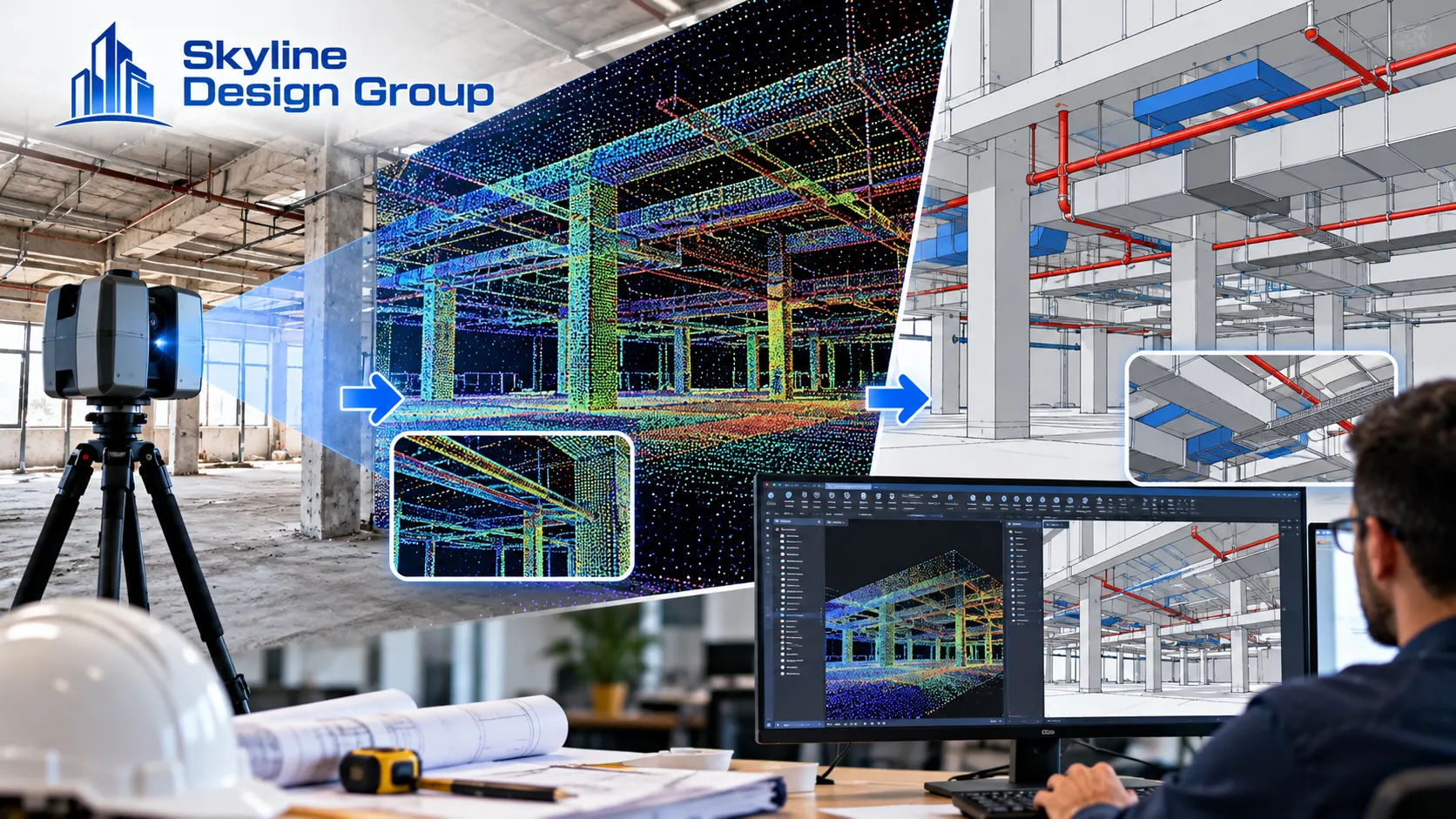
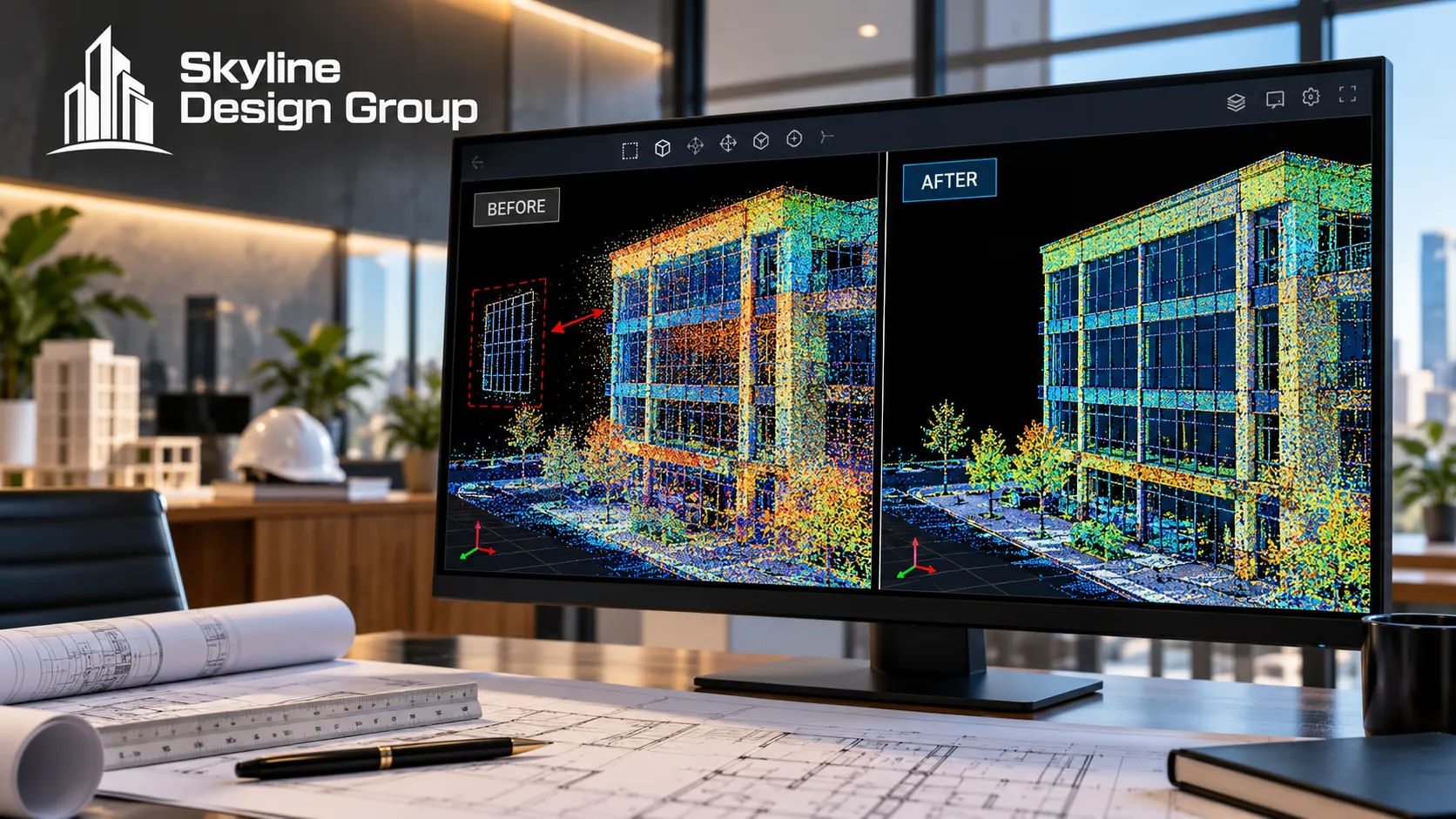
A raw point cloud looks finished the moment it comes off the scanner — millions of points, a recognizable building shape, color if the scanner captured it. It isn’t finished. A scanner’s laser hits everything in its path, which means the raw file also includes window reflections read as phantom surfaces, mirror images duplicated as if they were real walls, and the faint “ghost” of anyone who walked through the scan area. None of that gets filtered out automatically before the data reaches you.
A raw point cloud needs cleanup (removing reflections, duplicated surfaces and scan artifacts), registration (aligning multiple scan positions into one coordinate system), and quality checks (confirming walls are straight, surfaces aren’t doubled, and measurements match reality) before it’s reliable enough to trace into a CAD drawing or BIM model. Skipping any of these carries the errors into the finished drawing.
Who this is for
Structural and civil engineers and architects who’ve received a laser scan point cloud — or are about to commission one — and want to know what has to happen to it before it’s something a design team can actually draw from.
What’s actually in a raw point cloud before it’s cleaned up?
A laser-scanning technology provider is specific about what shows up uninvited: a scanner captures everything its laser hits, which means the data includes information nobody wants in the final model — reflections off glass and mirrors, and the faint traces of people or vehicles that moved through the scan area while it was running. Some newer scanners include automatic cleanup algorithms, but manual review still catches what the algorithm misses.
A trade publication covering point cloud to BIM conversion adds the environmental side of the same problem: temperature, wind and rain during the scan can degrade data quality before cleanup even starts, which is why scan timing and conditions matter as much as the software used afterward.
What does cleanup and registration actually involve?
Cleanup removes the noise and artifacts described above — outliers, duplicated surfaces, scan artifacts — using tools built for the purpose, commonly cited examples including Autodesk ReCap and CloudCompare, which handle filtering and segmentation before the data moves to modeling software. Registration is the separate step of stitching multiple scan positions into one coherent file: a single scan position can’t capture an entire building, so a real project almost always has several scans that need to be aligned into one shared coordinate system, which depends on careful field planning and technician notes to line up cleanly.
| Issue | What it looks like in the raw scan | What fixes it |
|---|---|---|
| Reflections | A phantom surface floating where glass or a mirror was scanned | Manual or automated cleanup removing the duplicate geometry |
| “Ghosting” | A faint, incomplete trace of a person or object that moved through the scan | Cleanup pass removing the transient artifact |
| Misaligned scan positions | Walls that appear doubled or offset between adjacent scans | Registration, aligning all positions into one coordinate system |
| Environmental noise | Degraded point accuracy from wind, rain or temperature during the scan | Re-scanning under better conditions, or flagging the affected area for extra QA |
How do you know the converted drawing is actually accurate?
Quality assurance happens at more than one point in the process, not just at the end. The scanning-technology source above recommends checking during cleanup and again after registration — confirming walls are actually straight, catching doubled surfaces before they get traced into the model, and spot-measuring against the raw data to confirm everything lines up as expected. The conversion-process source adds a validation step after modeling itself: running a deviation analysis and clash check between the finished model and the original point cloud, which catches places where the drawn geometry drifted from what the scan actually recorded.
That two-sided check — QA during processing, then validation after modeling — is what actually catches the small errors that a quick visual review of the finished drawing would miss.
What happens if cleanup or registration gets skipped?
The errors don’t disappear — they just move downstream, where they’re more expensive to find. A reflection artifact traced as a real wall becomes a wall in the CAD file that doesn’t exist on site. Two scan positions registered slightly out of alignment become a model with a double-thickness wall somewhere, or a dimension that’s off by a few inches in a way that only shows up once someone tries to build from it. None of these mistakes announce themselves in the finished drawing; they look like ordinary geometry until something doesn’t fit in the field.
Where this fits into a production partner’s scope
If you have a point cloud that needs to become a usable CAD drawing or BIM model, Request a Scope Review — send what the scan currently looks like and get back a specific read on what cleanup and registration it still needs.
For how a flat PDF or scanned survey differs from a properly digitized one, see topographic survey digitization explained. For when a renovation project’s as-built model actually earns back its cost, see scan-to-BIM for renovation.