MEP Isometrics Explained: How Field Crews Read Them and What Makes One Useless on Site
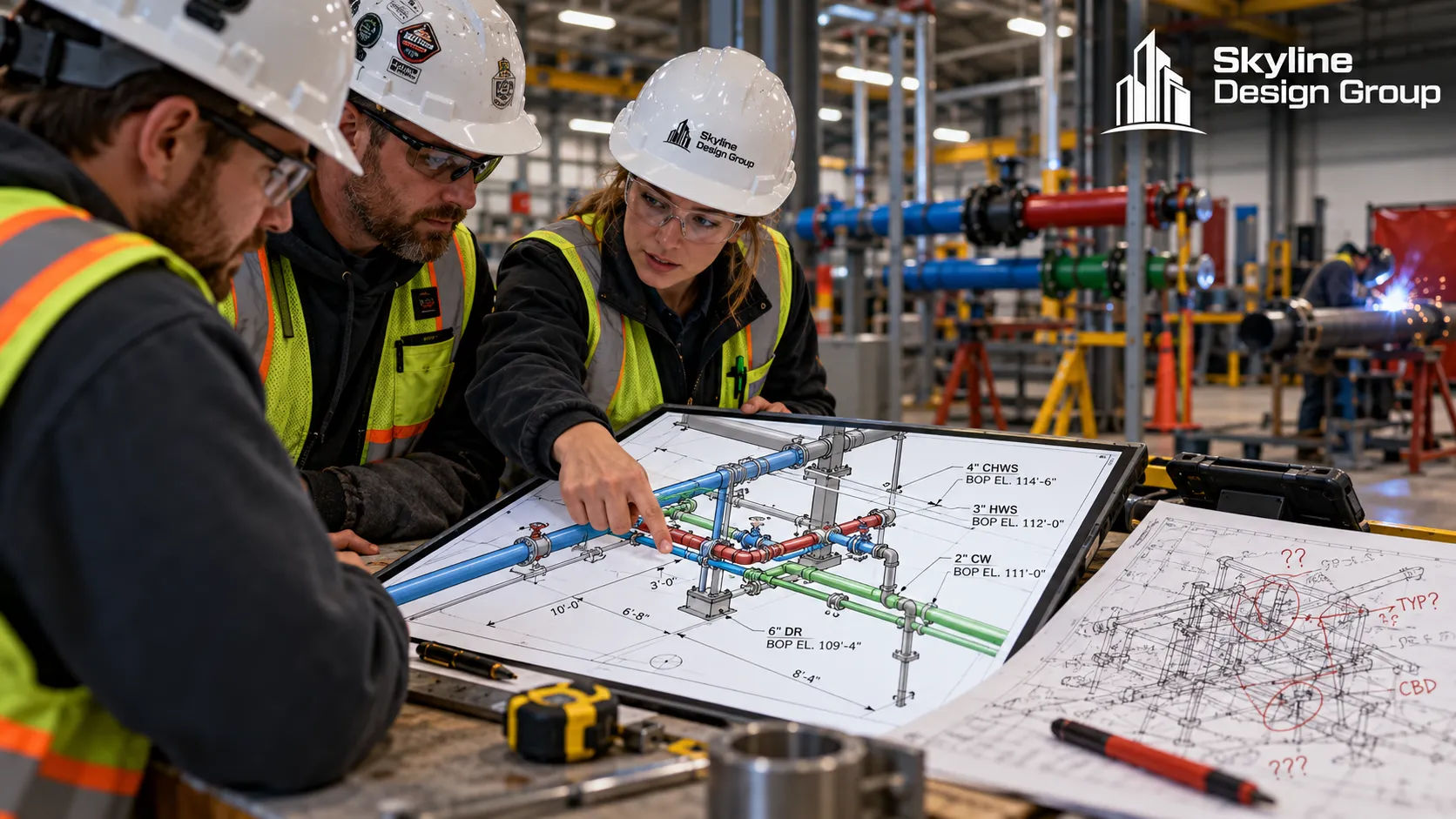
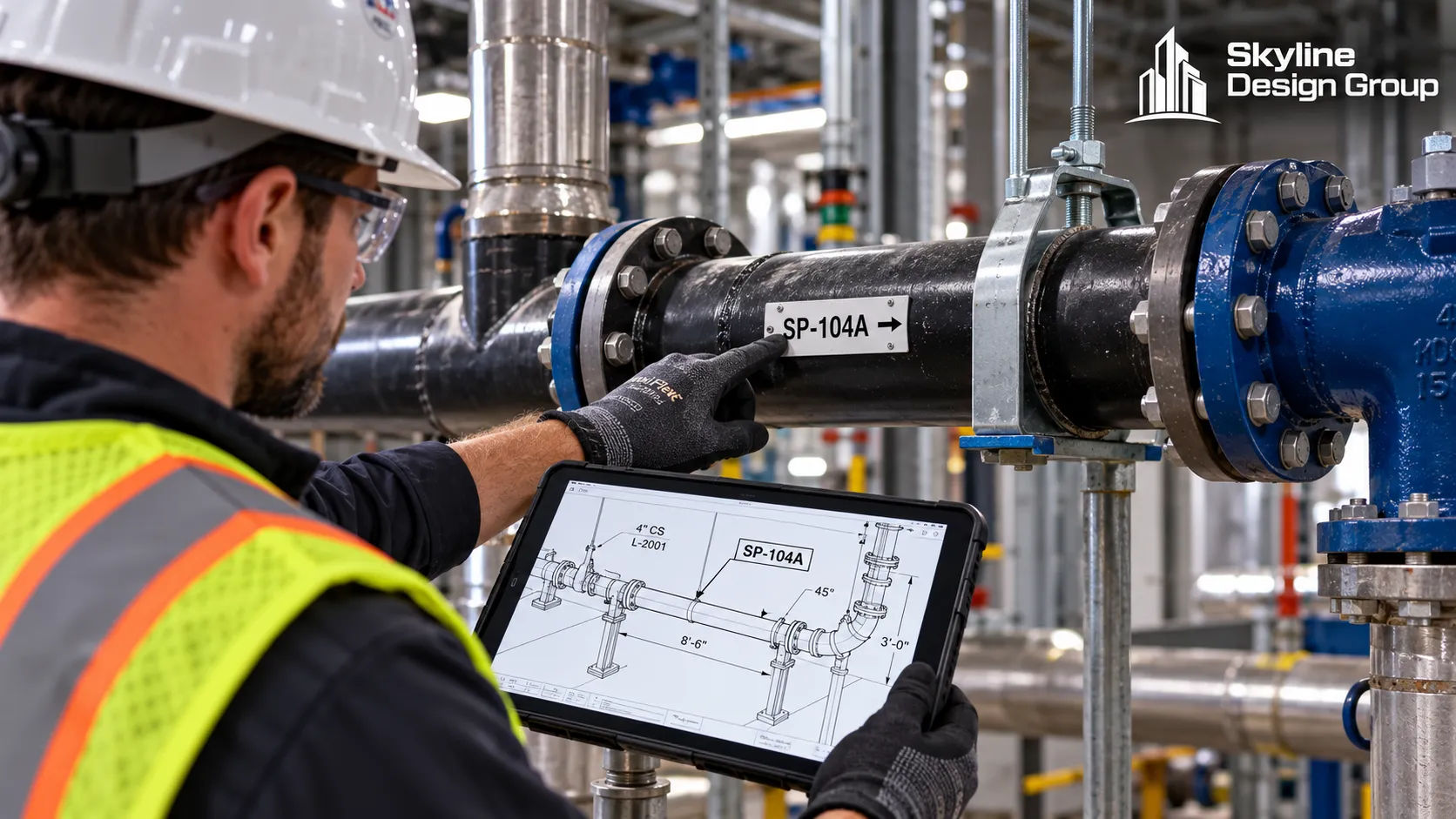
A foreman pulls up an isometric on a tablet at the riser, checks the spool number against the piece sitting in front of him, and starts installing. That five-second check only works if the isometric in his hand is the current one, with the right weld identified as a field weld instead of a shop weld. When it isn’t, the five-second check turns into a radio call, a wait, and a crew standing around a riser that should already be going up.
An isometric drawing is not a nice-to-have diagram. It is the document a field crew actually installs from, and a bad one costs real field time.
An MEP isometric is a 3D schematic view of one piping or ductwork run: line numbers, specs, supports, branches and weld identifications. Field crews use it to sequence and align installation. An isometric is useless on site when it isn’t the current issued-for-construction version, doesn’t separate shop welds from field welds, or is missing support locations.
Who this is for
GC project executives and field superintendents relying on isometric drawings to run MEP installation, and VDC teams or production partners producing them.
What is an MEP isometric, actually?
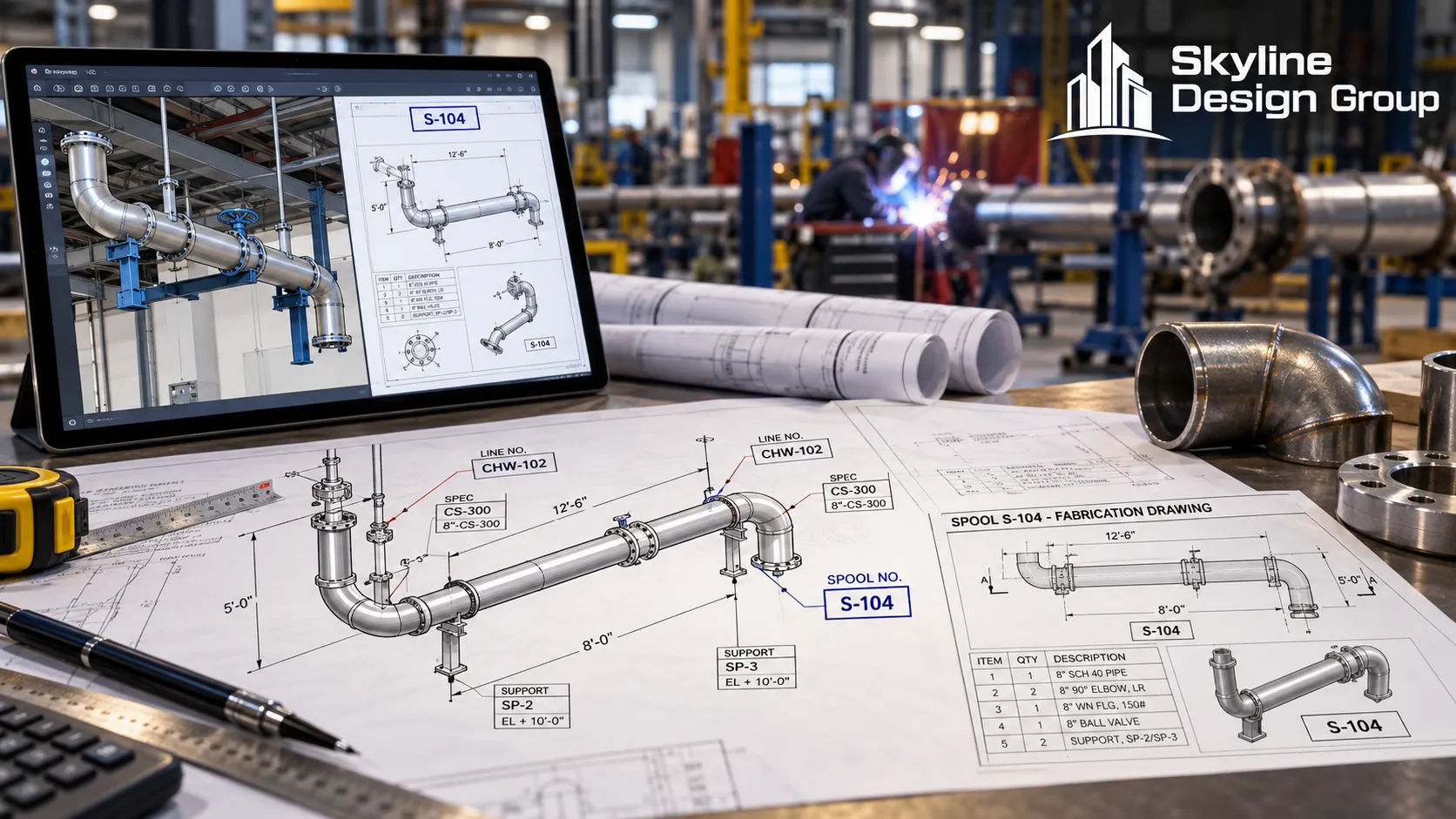
An isometric is a 3D schematic projection of one piping, ductwork or conduit run, drawn so the routing, elevation changes and connections are readable without a full 3D model viewer. It is issued for construction, meaning it represents the design as approved to build from, not a working draft. A properly issued isometric typically carries: pipe or duct specification, insulation and tracing requirements, support and hanger locations, branch connections, reducers, valves and specialties, a line or system number, and a revision number tied to the issue date.
That last point matters more than it sounds like it should. Fabrication and installation are only supposed to proceed from an authorized, issued-for-construction isometric — never a preliminary or superseded version, because any version before that point can still change.
How does a field crew actually use one?
A crew reads the isometric to sequence the install: what gets hung first, where a branch connects, what elevation a run needs to hit before it ties into the next segment. For piping work specifically, the isometric is also where the crew checks which welds are shop welds (already made before the piece arrived) and which are field welds (made on site, and subject to field inspection). Confusing the two has a real consequence: misidentifying a field weld as a shop weld can mean a required inspection gets skipped entirely, which turns into rework once it is caught.
For prefabricated spools, the isometric is also the cross-reference. Each spool carries a number that ties back to its parent isometric, so the crew installing it can confirm the piece in hand matches the run the isometric shows — the same cross-check described in the opening scenario above.
What’s the difference between an isometric and a spool drawing?
They look related because one comes from the other, but they serve different audiences. The isometric is the authoritative design document for the full run. A spool or cut-sheet drawing is generated from the isometric by a fabricator, showing one shop-welded segment in fabrication detail: cut lengths, offsets, weld sequence IDs, material grades and piece weight. The isometric is what the field installs from; the spool drawing is what the shop fabricates from. A production partner building isometrics needs to know which one a given deliverable actually needs to be, because they carry different information and serve different readers.
| Document | Primary reader | What it shows |
|---|---|---|
| Isometric (ISO) | Field crew, installer | Full run routing, line number, specs, supports, shop vs field weld IDs |
| Spool / cut-sheet drawing | Fabrication shop | One shop-welded segment: cut lengths, weld sequence, material grade, weight |
What makes an isometric useless on site?
- It’s not the current issued-for-construction version. A superseded isometric can show a routing, spec or support location that changed after it was printed. Field crews need a way to confirm they are holding the current revision, not just the one that happened to get handed to them that morning.
- Shop welds and field welds aren’t clearly distinguished. If that distinction is unclear or wrong, required field inspections can get skipped without anyone noticing until later.
- Support and hanger locations are missing or vague. A crew without a called-out support location either guesses or stops to ask, and both cost time.
- Spool numbers don’t cross-reference cleanly back to the parent isometric. If a crew can’t match the piece in hand to the run on the drawing, the five-second check from the opening scenario turns into a real delay.
- Line numbers or specs are inconsistent with the rest of the construction document set. A mismatch between the isometric and the plan view sends the question back to the office instead of letting the crew keep working.
What this means for a coordination or production partner
A production partner building isometrics is not just drawing a pretty 3D view. The job is making sure the field crew’s five-second check actually works: current revision, clear weld or connection identification, called-out supports, and a clean cross-reference to any spool drawings generated from it.
If your crews are stopping mid-install to call the office about a drawing, Request a Scope Review — send a recent isometric set and a note on where the confusion keeps happening.
For how isometrics fit into the broader coordination deliverable, see MEP modeling and coordination explained. For what a model needs before it reaches fabrication, see prefabrication-ready MEP models. For the design-versus-coordination scope split that governs who can change a routing shown on an isometric, see MEP coordination vs MEP design.