Every software release and every city’s new permitting portal gets announced as if it changes everything about how a site plan comes together. Most of what actually changed in 2026 sits on the production and review side of the process: how the model gets built, how it moves between tools, and how a reviewer sees it. What hasn’t changed is who makes the design decisions behind the model, and that distinction matters more than the year tag on this article suggests at first glance.
In 2026, Civil 3D added cloud-connected model review, lighter drawings through area-of-interest data shortcuts, and a cloud drainage-analysis preview, while more cities shifted to electronic plan review with simultaneous, multi-department comments. None of this changes who decides the design; it changes how the model and the comments move.
Who this is for
This is for civil engineers and developers who want a straight read on what’s actually different about producing and reviewing Civil 3D site plans this year, separate from the software marketing and permitting-portal press releases that tend to overstate the change.
What changed in how the model gets produced
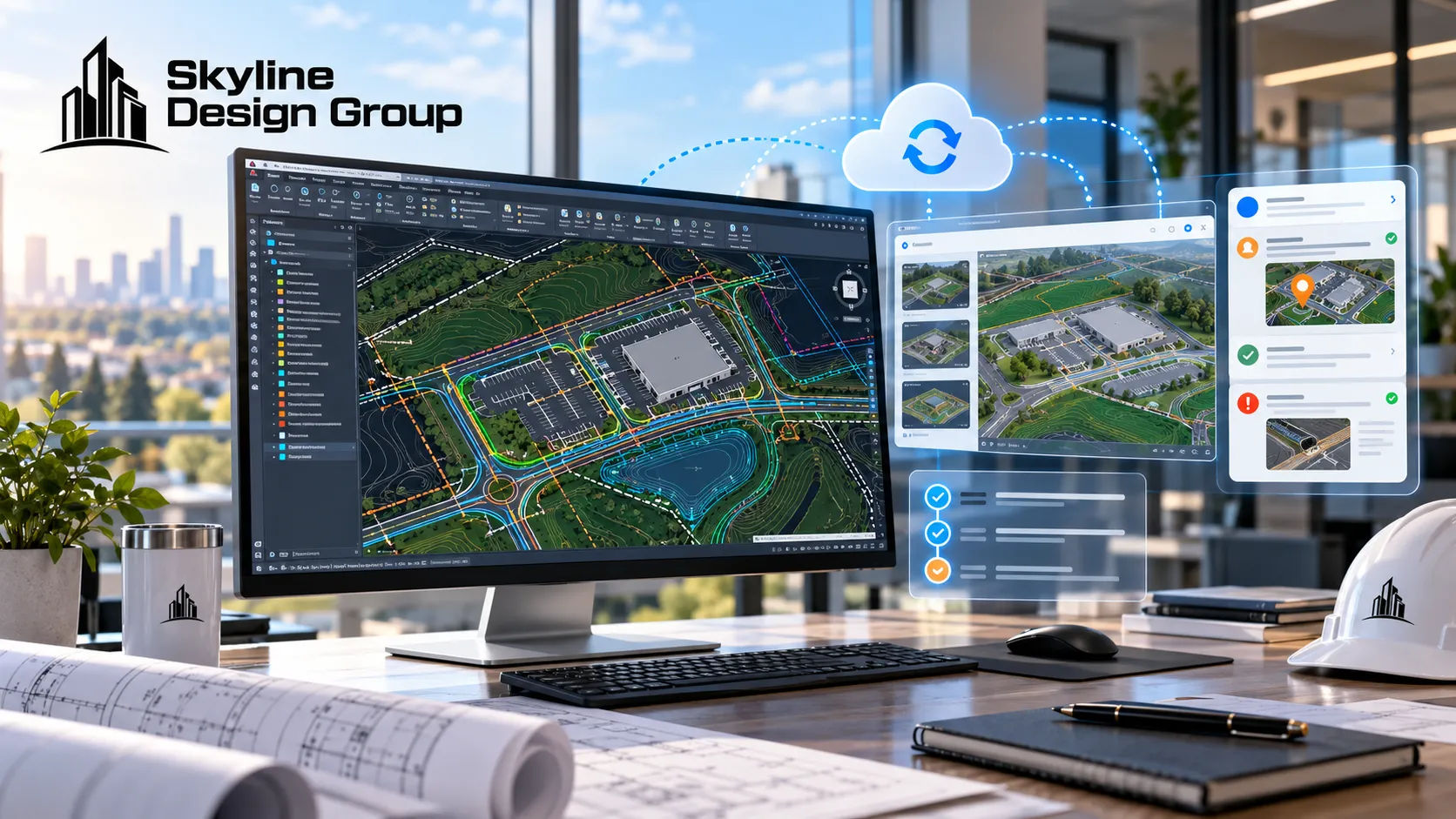
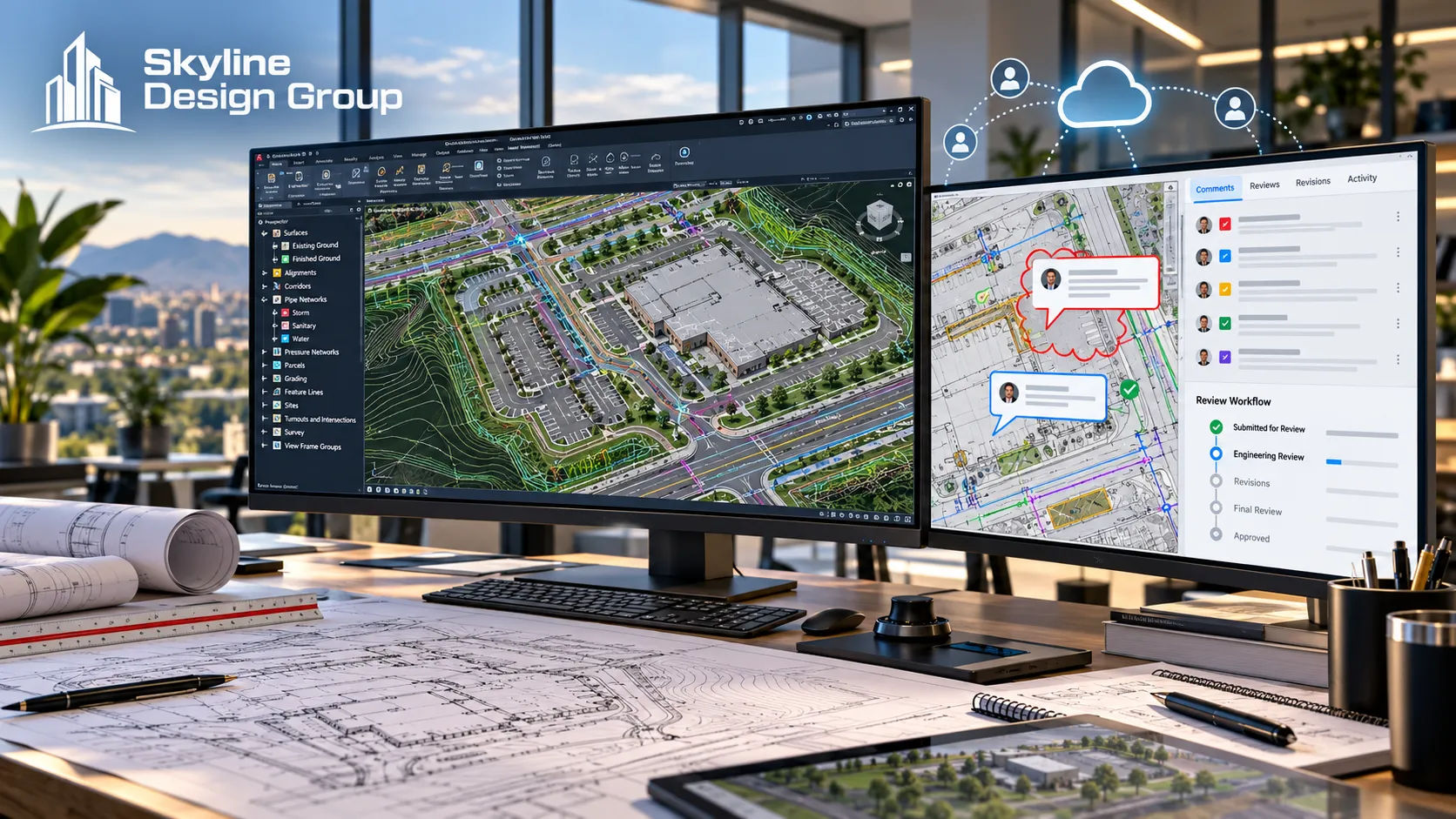
Civil 3D 2026, released in April 2025, added several production-side changes worth knowing about even if none of them are individually dramatic. New Civil Tools in Autodesk Construction Cloud let a team manage design data, view models, and track issues outside the native application, so a reviewer or collaborator who doesn’t have Civil 3D installed can still interact with the model. A new 3D Model Viewer stays open as a modeless window and updates live as the design changes, which speeds up visual QA during production. Data shortcuts can now reference only the portion of a surface within a defined area of interest, which keeps drawing file sizes down on large sites with a lot of surface data most sheets don’t need. And a technology preview of cloud-based Drainage Analysis sends a design to InfoDrainage for verification and returns the results, folding a calculation step that used to require a separate tool into the Civil 3D workflow itself.
None of these changes the inputs a site plan needs or the decisions that go into choosing a grading strategy, a drainage approach, or a roadway layout. They change how fast a production team can move through the mechanical parts of building and QA-ing the model once those decisions are made.
What changed in how the plan gets reviewed
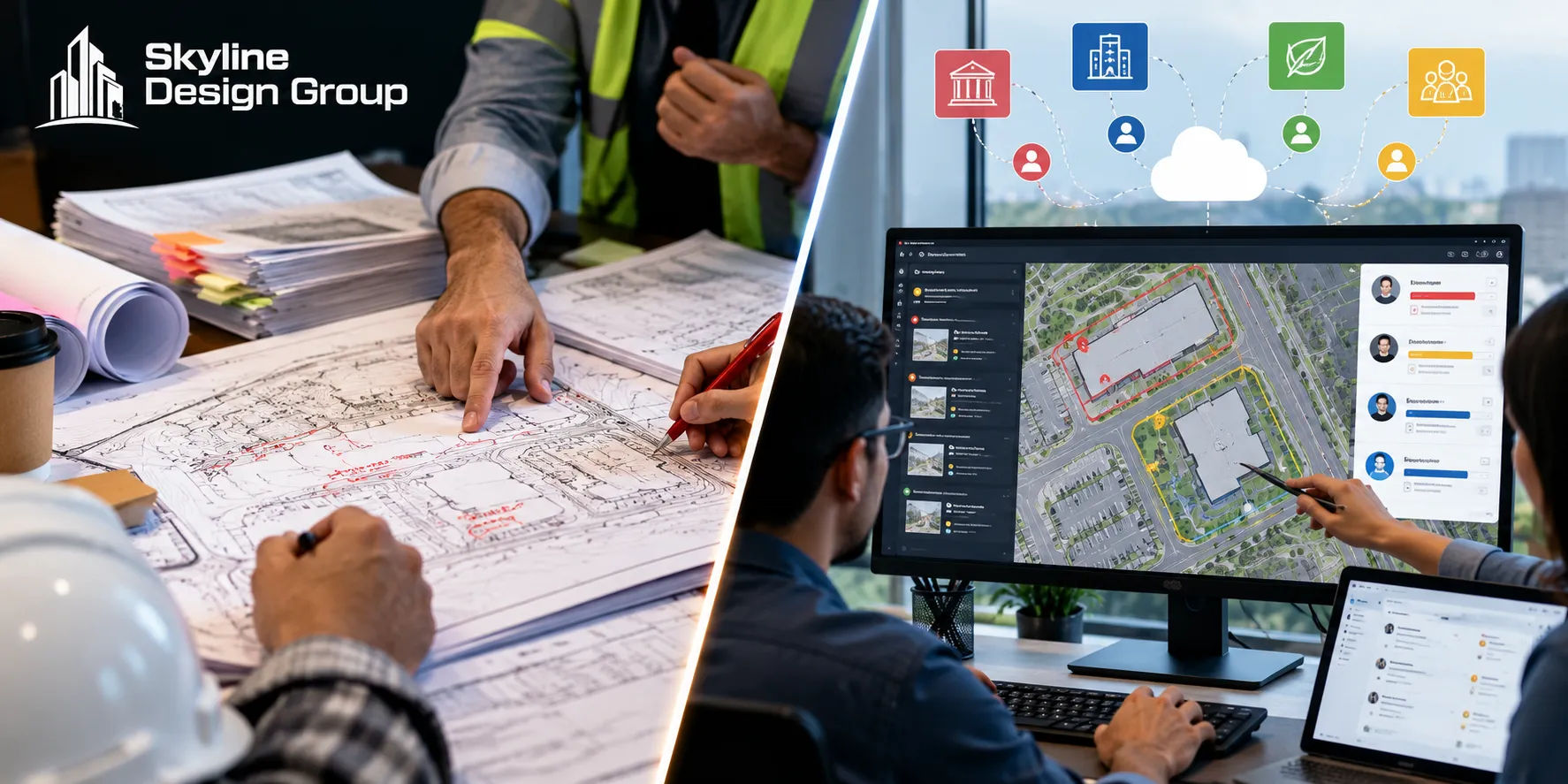
On the review side, more jurisdictions continued a shift that has been underway for several years: moving from sequential paper review, where one department reviews and routes to the next, to electronic plan review, where multiple departments can comment on the same digital plan set at the same time. That shift does not change what a reviewer is checking for, but it does change the shape of the comment letter a project gets back. Comments arrive from more departments in a shorter window, each with its own digital markup rather than a single consolidated memo, and a submittal that is complete enough for every department to review at once avoids the staggered, multi-round feedback that a sequential process used to produce. Vendor coverage of this shift frames it as a cost and efficiency play for the jurisdiction, which it is, but the practical effect for the design team is that the submittal itself has less room for the kind of incompleteness a sequential process might have let through round one.
What this means for a production team working from the site plan
For a production team building the drawing set, the practical takeaway is less about new software features and more about what a complete, review-ready submittal needs to look like now: a model clean enough to move through cloud-based collaboration tools without choking on file size, drainage detail resolved early enough that a simultaneous multi-department review doesn’t surface a design gap one department catches and three others don’t, and sheet sets formatted the way a jurisdiction’s electronic review platform expects to receive them, which is not always the same as what worked for a paper submittal five years ago. None of that is a new decision for an engineer to make; it is the same production discipline this series has described for utility plans, grading plans, and corridor models, applied under a faster, more parallel review process that leaves less room to patch gaps between rounds.
| What changed in 2026 | What it means for the production process |
|---|---|
| Cloud-connected model review (Construction Cloud) | Reviewers and collaborators can view the model without Civil 3D; keep the model clean for that audience |
| Lighter drawings via area-of-interest data shortcuts | Large-site drawing sizes stay manageable; worth adopting for multi-sheet corridor and utility sets |
| Cloud drainage-analysis preview | A calculation step moves earlier into the Civil 3D workflow; still an engineering decision, just faster to check |
| More jurisdictions on electronic, simultaneous review | Submittals need to be complete enough for every department at once, not sequentially patched |
These production-side changes sit on top of the same scope split this series has covered for utility plan production, grading plans, and the eight Civil 3D deliverables a site engineer can hand off; the tools move faster, but the line between building the model and deciding what it should show has not moved.
If you’re not sure your current drawing standards and submittal format are keeping pace with your jurisdiction’s review process, send us a scope: one drawing set and a note on how your jurisdiction reviews it, and we’ll tell you plainly what’s worth updating.